Skip to content

THE FIELD NOTES

Start small.
Make something useful.

Clear workflows, better prompts and fewer wasted attempts. Find the next thing you need to do.
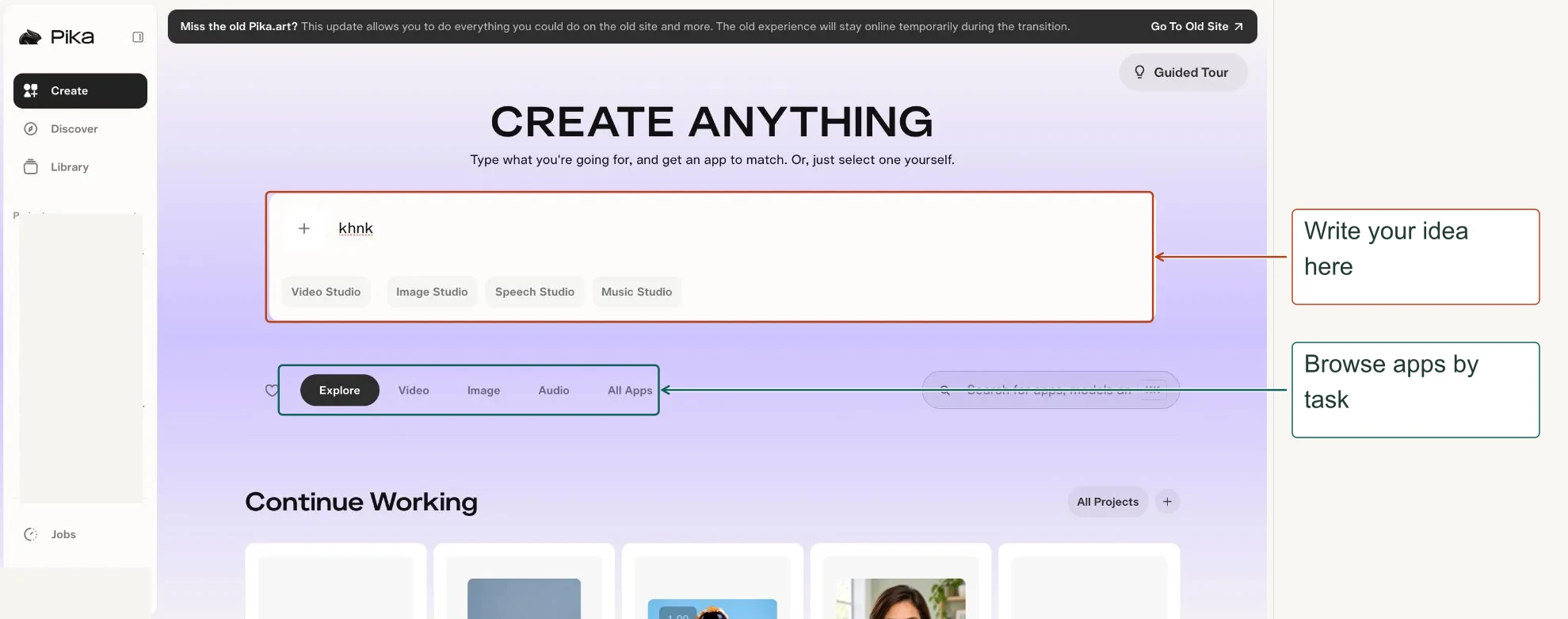
Pika Create home with arrows to the prompt composer and app categories
START HERE60 min read

Pika Labs overview: a zero-to-hero guide for beginners

Learn Pika Labs from scratch with step-by-step screenshots for 47 apps. Create AI videos, edit images, add audio, choose models and manage projects.

01
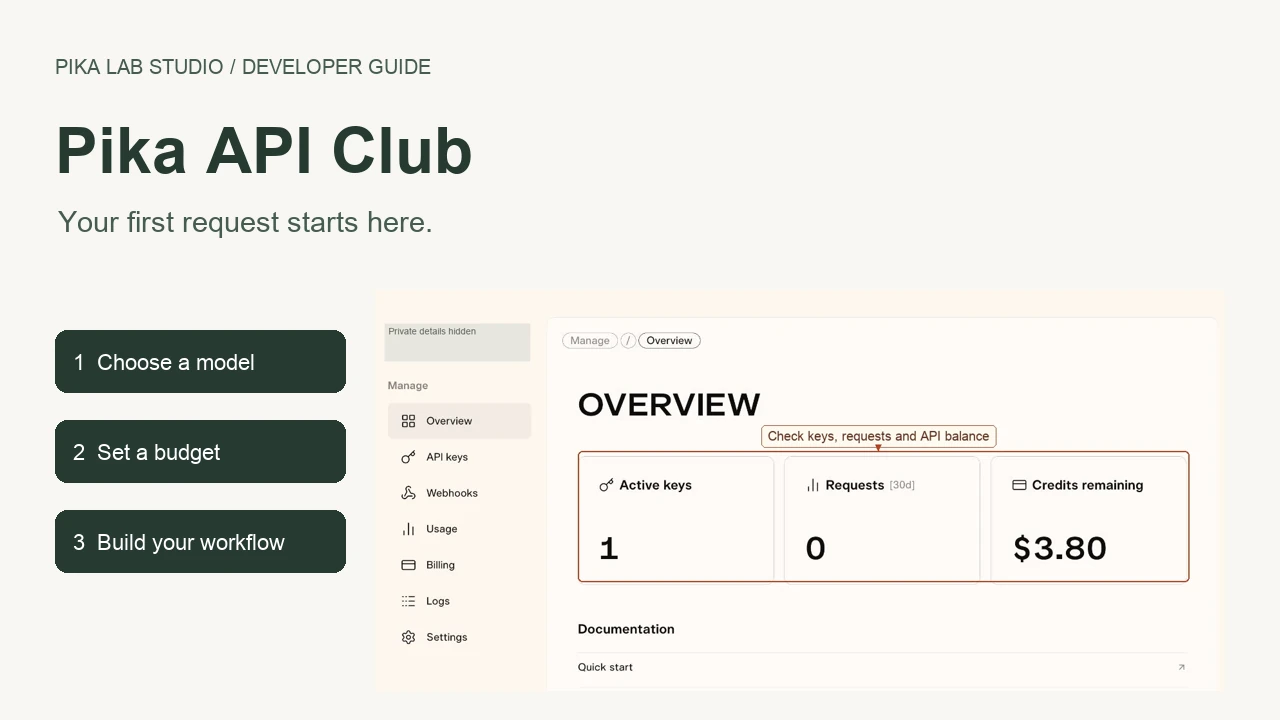
Pika API Club dashboard with three steps: choose a model, set a budget and build your workflow
BUILD WITH PIKA22 min read

Pika API Club: a complete dashboard guide for beginners

Learn Pika API Club with screenshots: choose models, use the playground, create API keys, set spending limits, connect an agent and track requests.

02
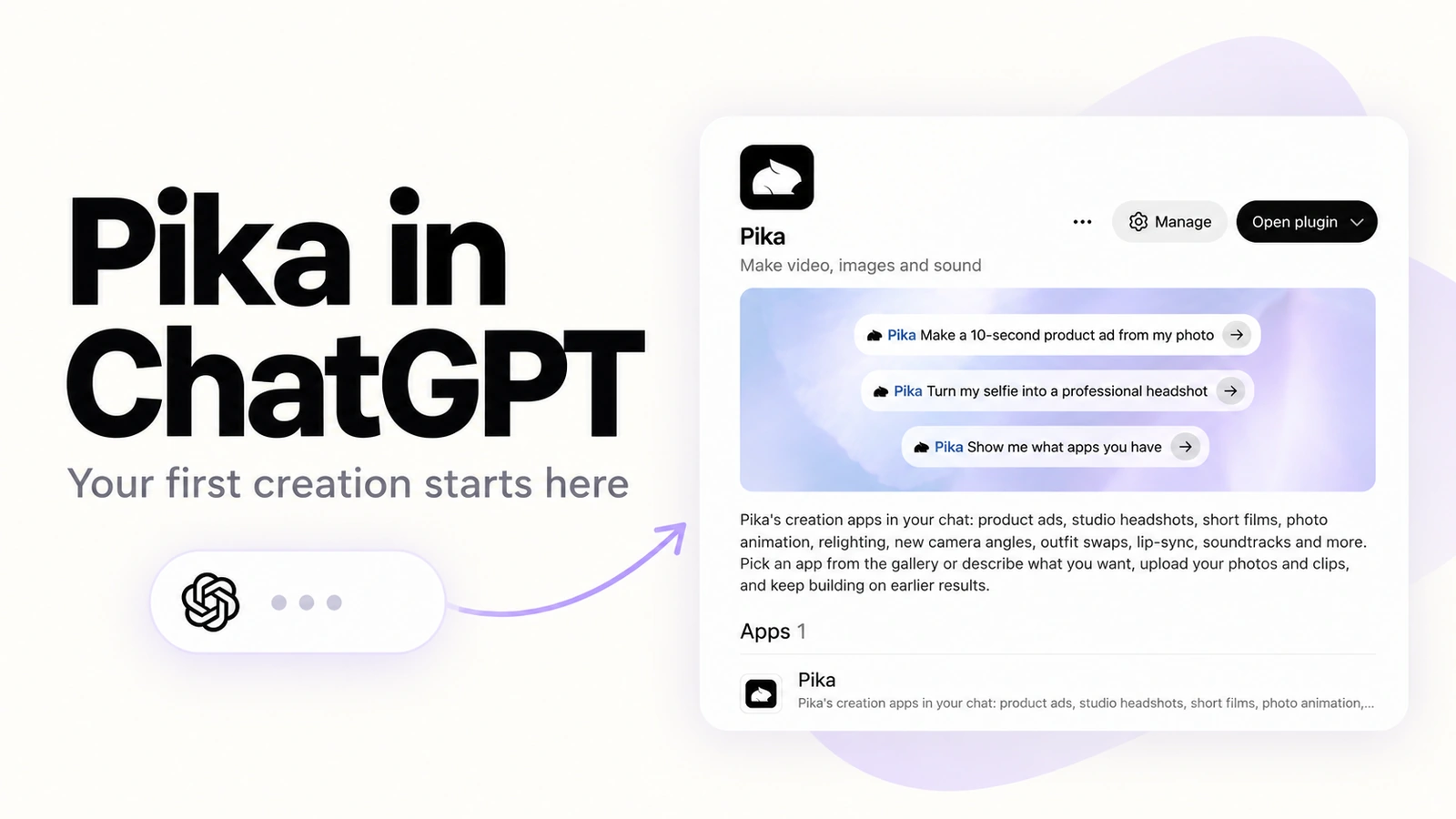
Pika in ChatGPT: connect your account, describe your idea and choose a creation app
PIKA IN CHATGPT28 min read

How to use Pika in ChatGPT: setup, skills and your first creation

Connect Pika to ChatGPT, choose an app, write useful prompts and review credit costs. A screenshot guide to all 13 skills and Pika’s 250-credit offer.

03
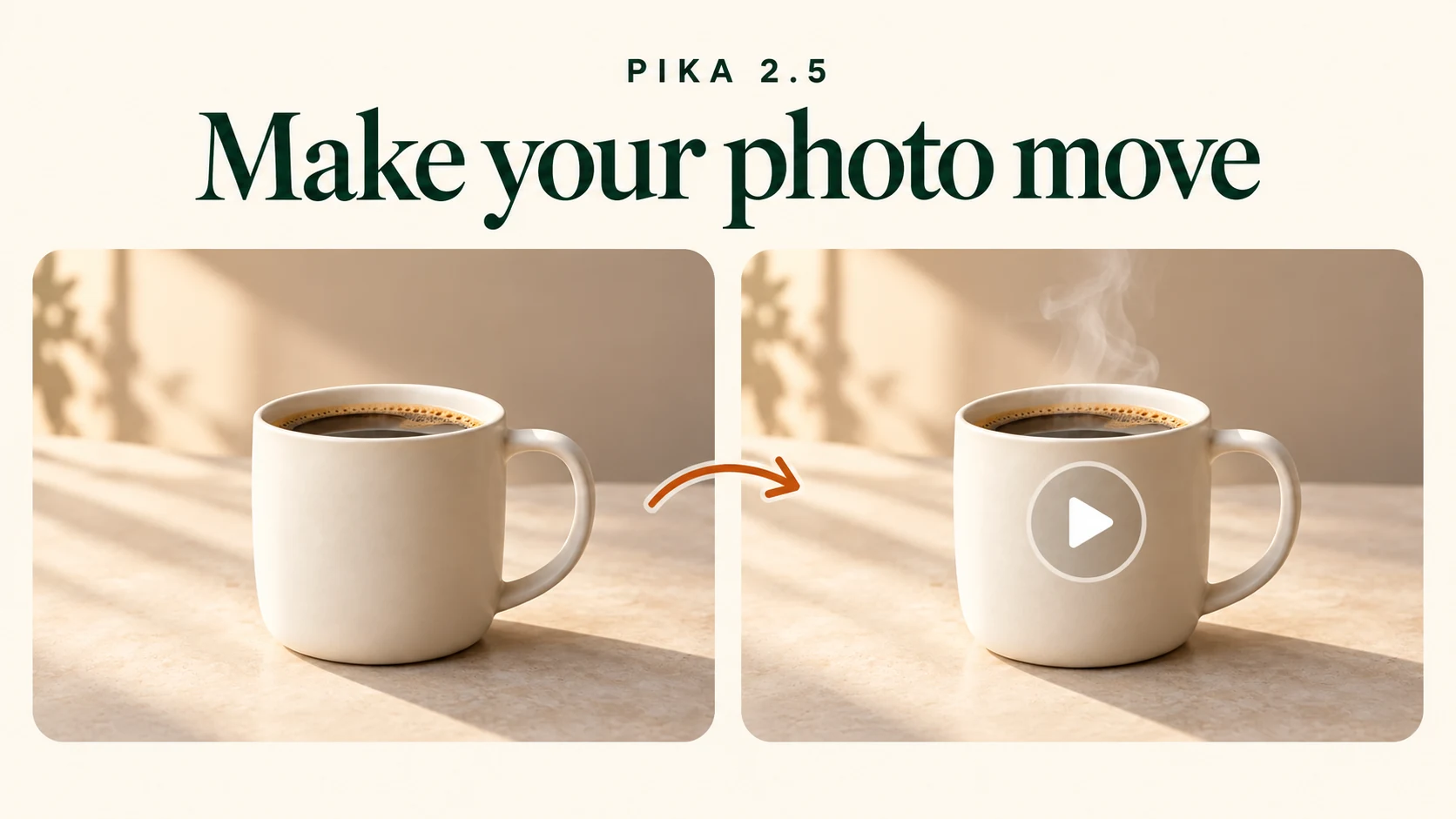
Make your photo move with the mug photo and a clip preview linked by an arrow
FIRST VIDEO8 min read

Pika image to video: make your first product clip

Turn a product photo into a 5-second clip with Pika 2.5. Follow the current upload, prompt, quality and download steps with screenshots.

04
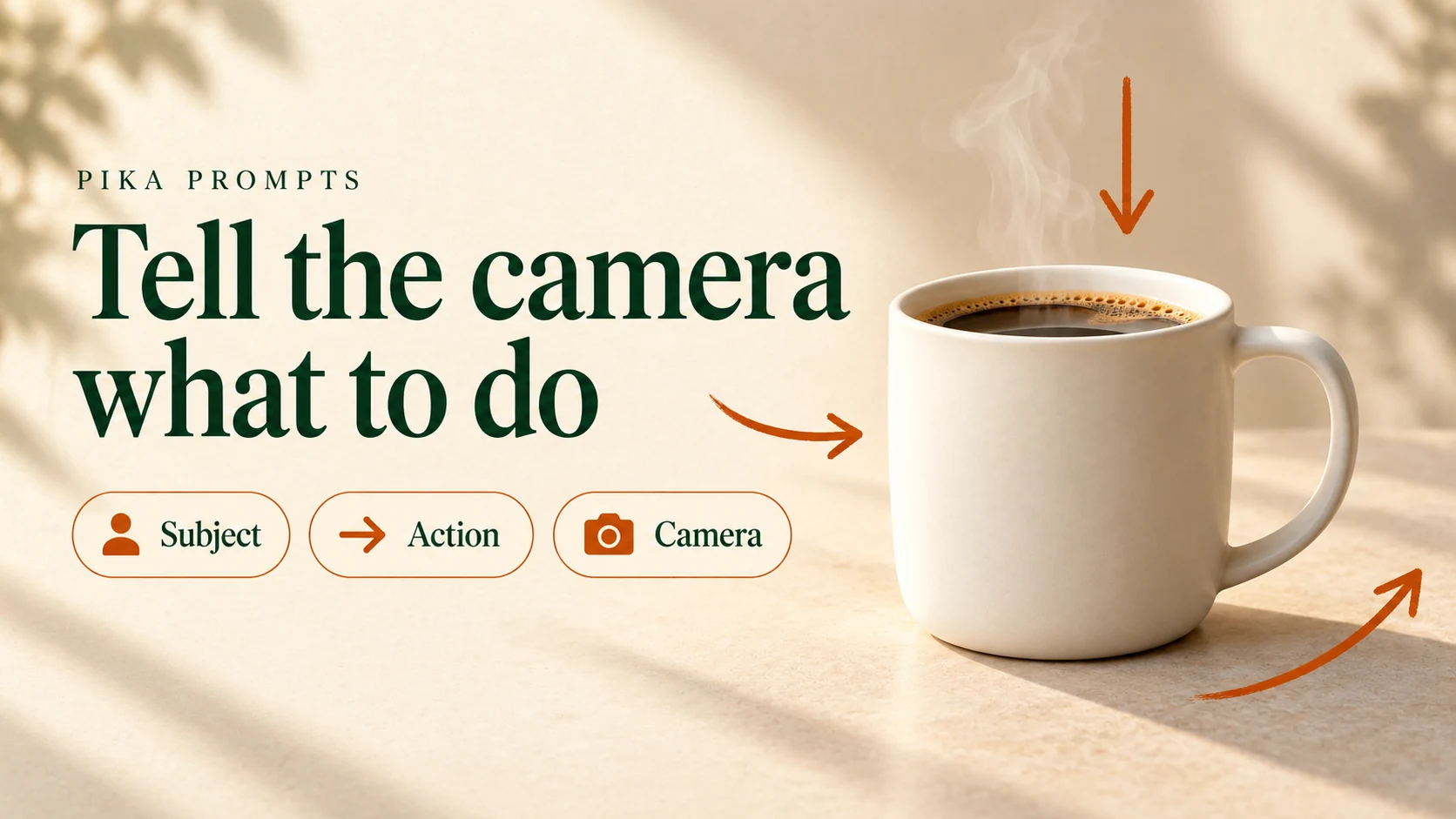
Tell the camera what to do with a mug scene and Subject Action Camera prompt ingredients
PROMPT LIBRARY7 min read

Pika prompt examples by goal and camera motion

Choose a product, portrait or scene prompt, pair it with one camera move, and see what our Pika 2.5 tests actually made.

05
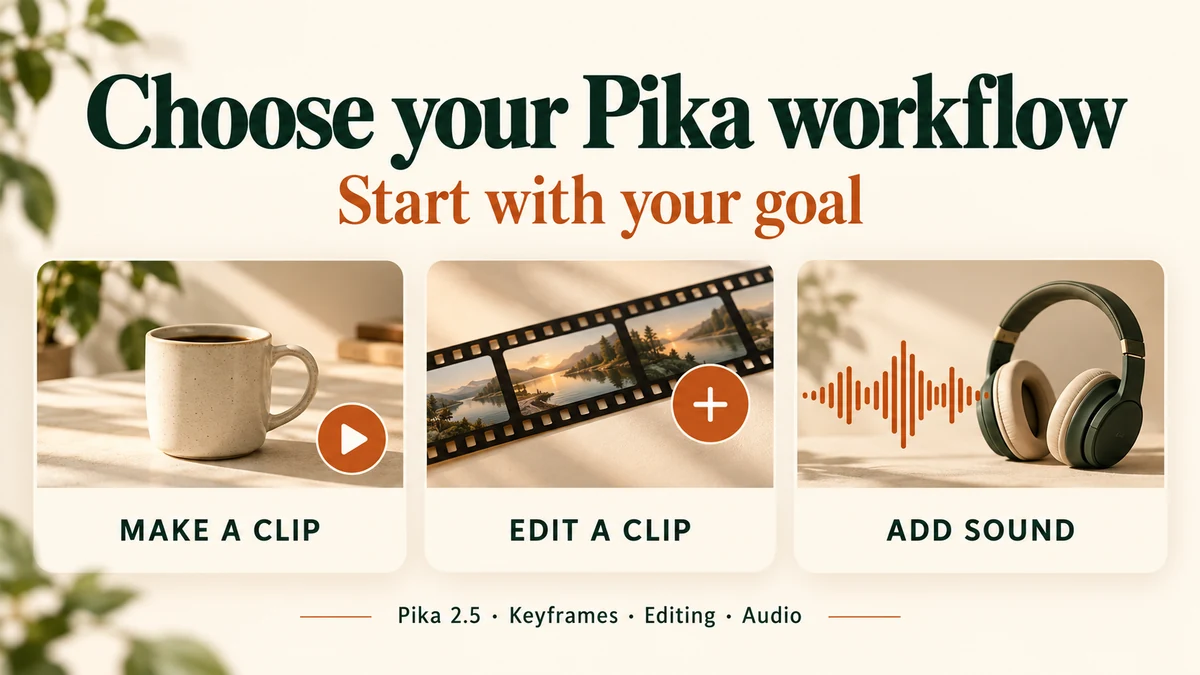
Choose your Pika workflow: make a clip, edit a clip or add sound
CHOOSE THE JOB FIRST8 min read

How to Choose a Pika model or feature for your Video Genration?

Start with what you have and what you need to change. We checked Pika’s current controls and tested a five-second product clip with Pika 2.5.

06
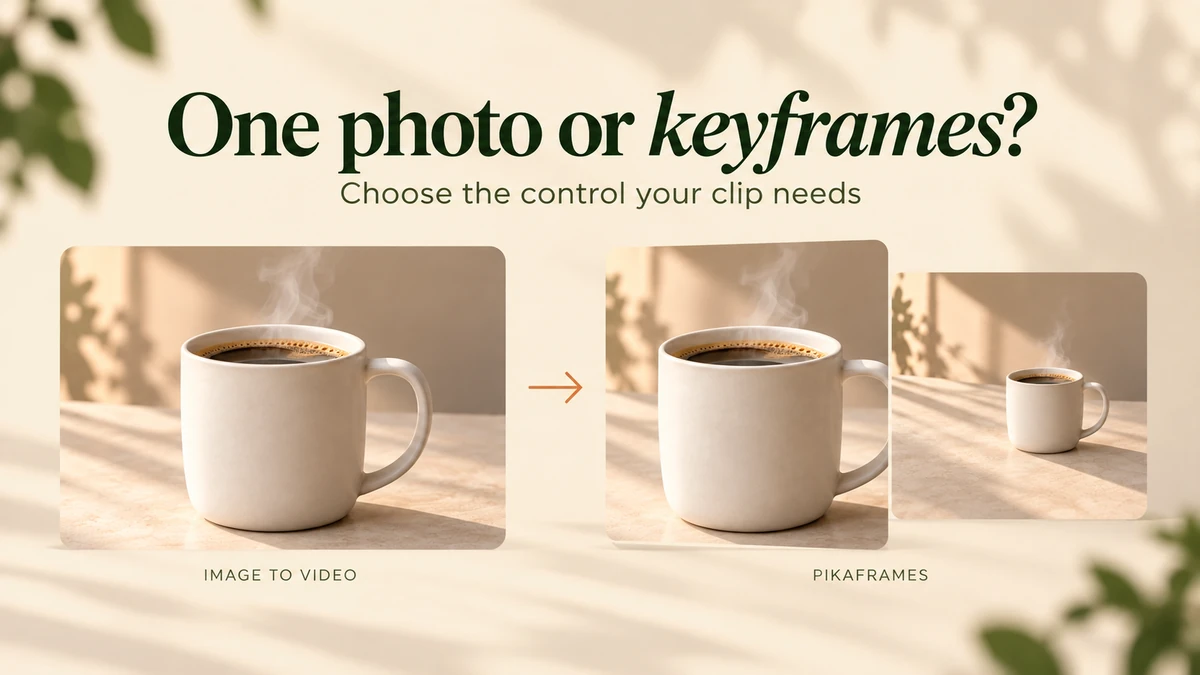
One mug photo for image-to-video beside two ordered mug photos for Pikaframes
PLAN THE ENDING6 min read

When to use Pikaframes instead of ordinary image-to-video

Choose one photo for a small movement or ordered keyframes for a planned ending. Follow our two-image Pika 2.5 test, with settings, costs and checks.

07
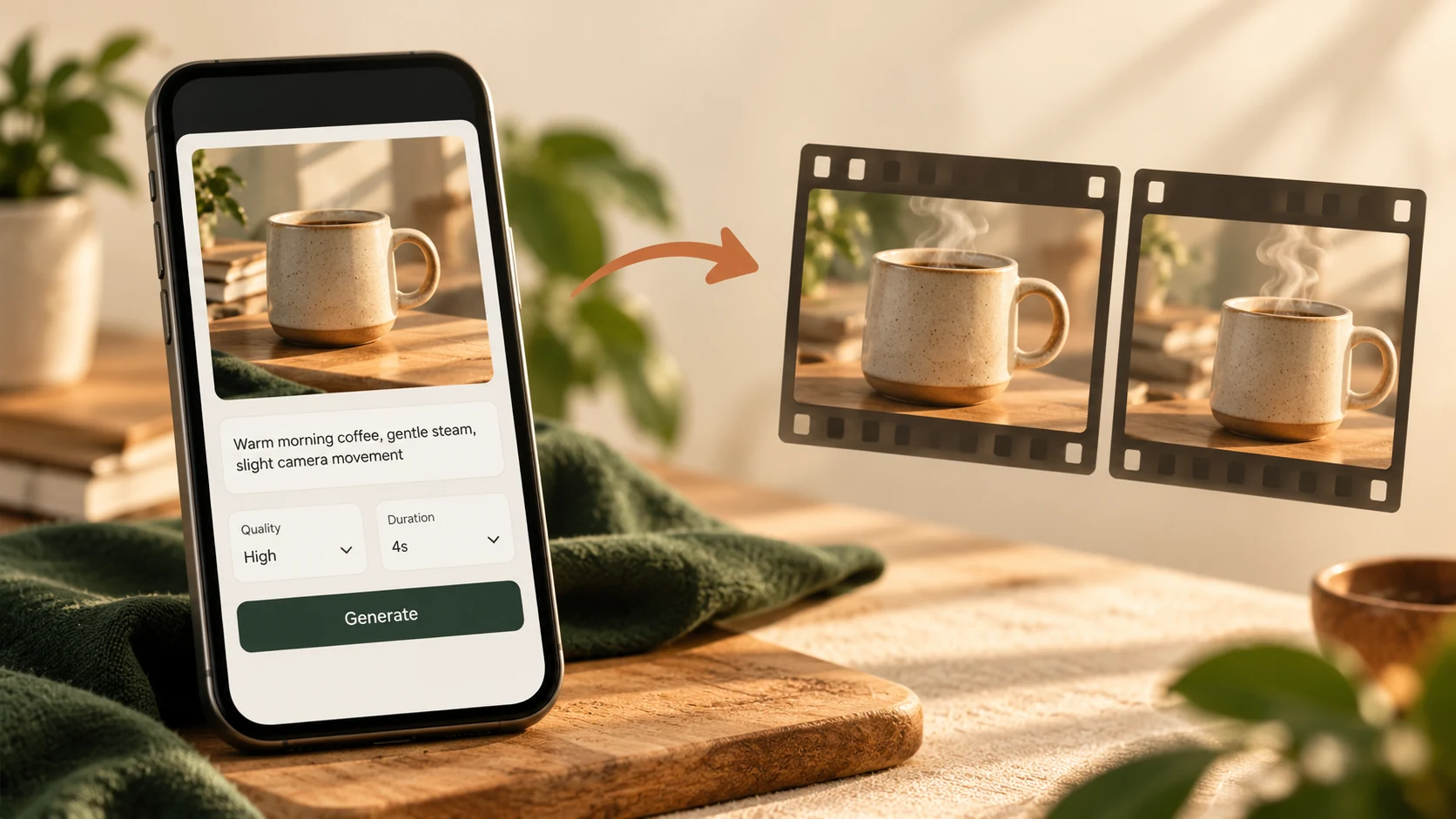
A phone with a coffee photo and motion prompt beside two frames of the steaming mug
MOBILE WORKFLOW6 min read

Pika on mobile: make a clip from your phone browser

Follow Pika’s mobile web layout with screenshots: open the composer, attach a photo, write motion, choose quality and duration, and review credits.

08
Our styled amber bottle, sage sneaker and charcoal headphones with the words Product shots that move
MAKE THE STILL FIRST9 min read

Pika Product Shot: 3 product ideas, from photo to video

See three real Product Shot attempts, their Pika 2.5 videos, exact prompts and costs. Learn what to make, which controls to use, and what to reject.

09
Make every credit count with film frames, a coffee scene and a small stack of tokens
SPEND WITH A PLAN6 min read

Zero to Hero Guide for Low-budget AI video Using Pika AI

Compare Pika, Runway and Adobe Firefly access, choose a small test budget, and account for retries before subscribing.

10
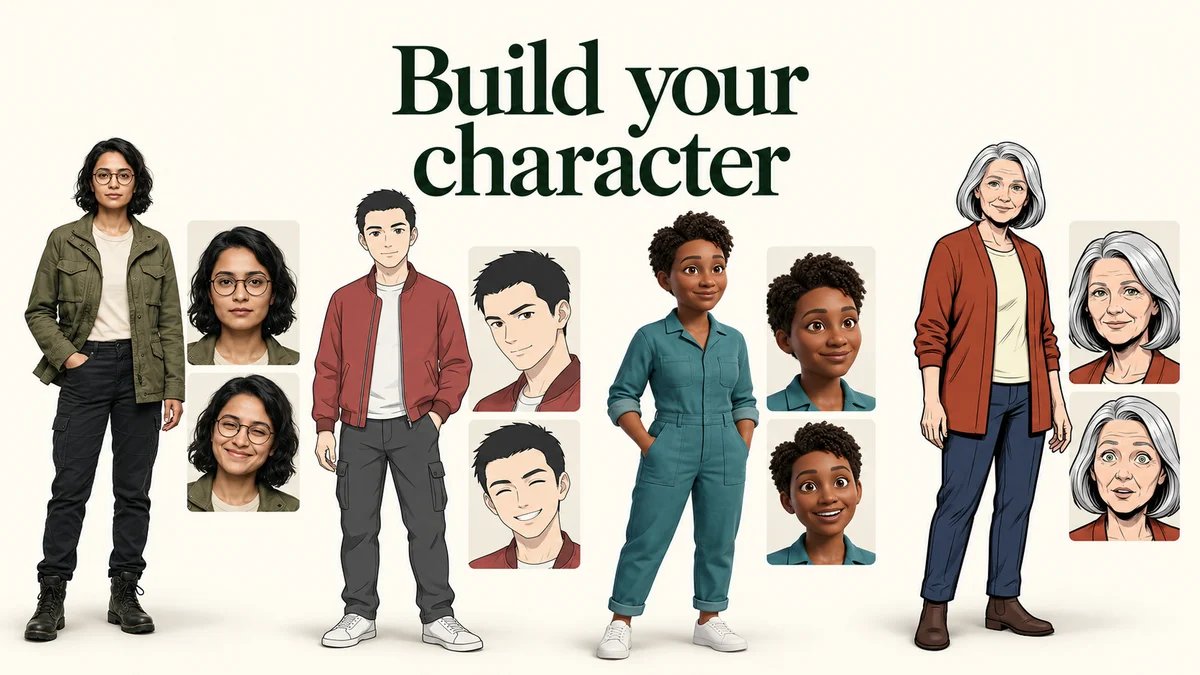
Four tested fictional characters in realistic, anime, 3D and comic styles with the words Build your character
FROM FIRST IDEA TO CHARACTER SHEET12 min read

Pika Character Studio: Generate Your AI Character (Workflow Included)

Make your first character sheet with Upload Image, Describe or Build From Traits. See nine tested outputs, four styles, exact inputs and credit costs.

11
A warm coffee mug with the words Give your clip a sound and Pika Music Studio
ONE CLIP, FOUR WAYS TO ADD SOUND9 min read

Pika Music Studio: SFX, Speech, Music and Soundtrack tested

Choose the right audio mode, follow four real examples, and play our outputs. See 10-second settings, a short speech read, exact prompts and credit costs.

12
Coffee, a parcel and a microphone with the title Make the moment heard
SMALL SOUNDS, CLEARER MOMENTS10 min read

Pika SFX Studio: five real sound examples and a practical guide

Make 10-second sound effects in Pika SFX Studio. Play five real outputs, copy our prompts, compare settings and follow annotated steps with tested credit costs.

13
Microphone, coffee mug and notebook with the title Give your story a voice
WORDS INTO A VOICE12 min read

Pika Speech Studio: make a voiceover with five real examples

Hear five real Pika Speech Studio outputs. Follow our scripts, voice choices, Stability test and annotated steps, with actual durations and credit costs.

14
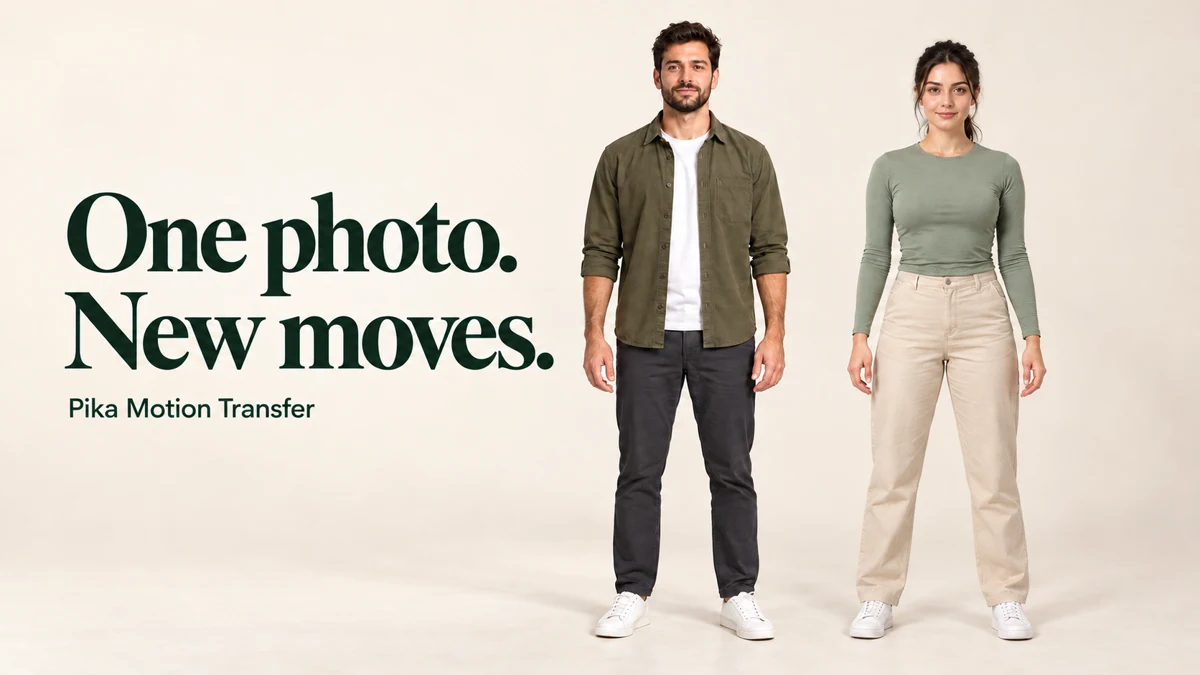
Two fictional full-body creator characters with the title One photo. New moves.
KEEP THE CHARACTER. CHANGE THE MOVE.10 min read

Pika Motion Transfer: one character photo, two different moves

Watch two real Motion Transfer tests from the same full-body character image. Follow annotated steps, compare sample clips and check actual credit costs.

15
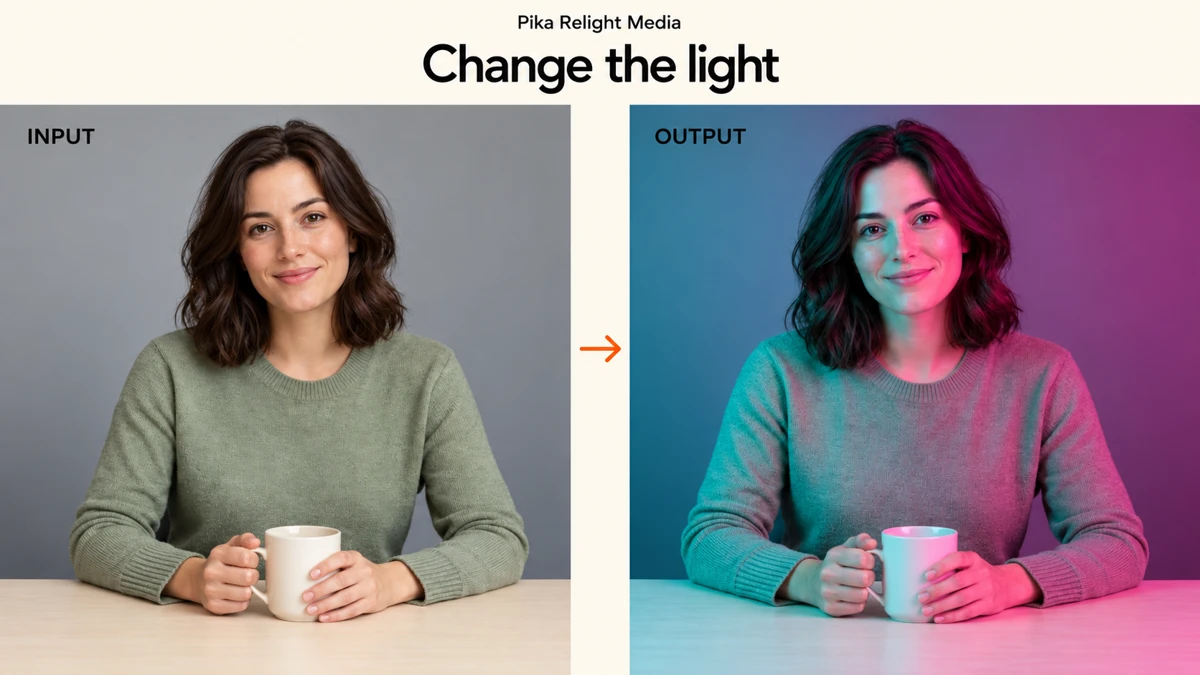
Original neutral portrait becomes a cyan and magenta Relight Media result
Tested photo walkthrough10 min read

Pika Relight Media: one photo, five lighting tests

Try Presets, Edit and Describe with real results. Learn to drag light points, set brightness and diffusion, check costs and choose a useful lighting setup.

16
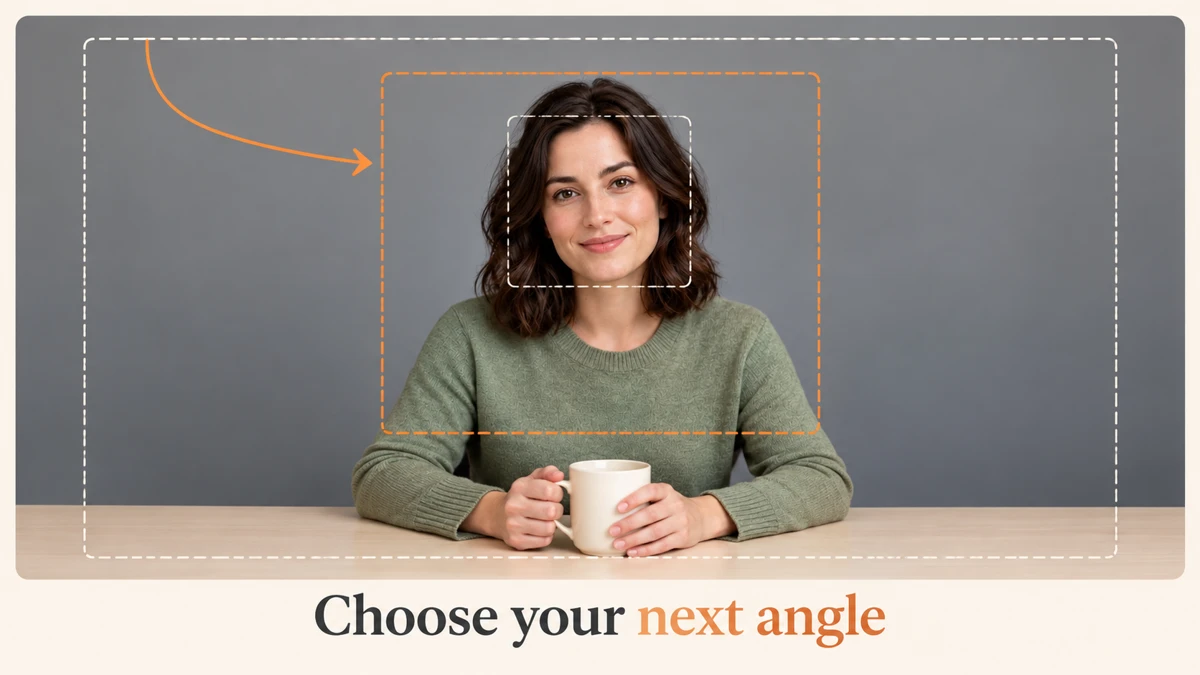
Camera crop guides around our portrait clip with the hook Choose your next angle
Camera setup walkthrough10 min read

Pika Camera Director: Choose the shot your clip needs

Learn shot framing, angles, camera motion, trimming and Gemini Omni Flash settings with annotated screenshots and a real Pika 2.5 source clip.

17
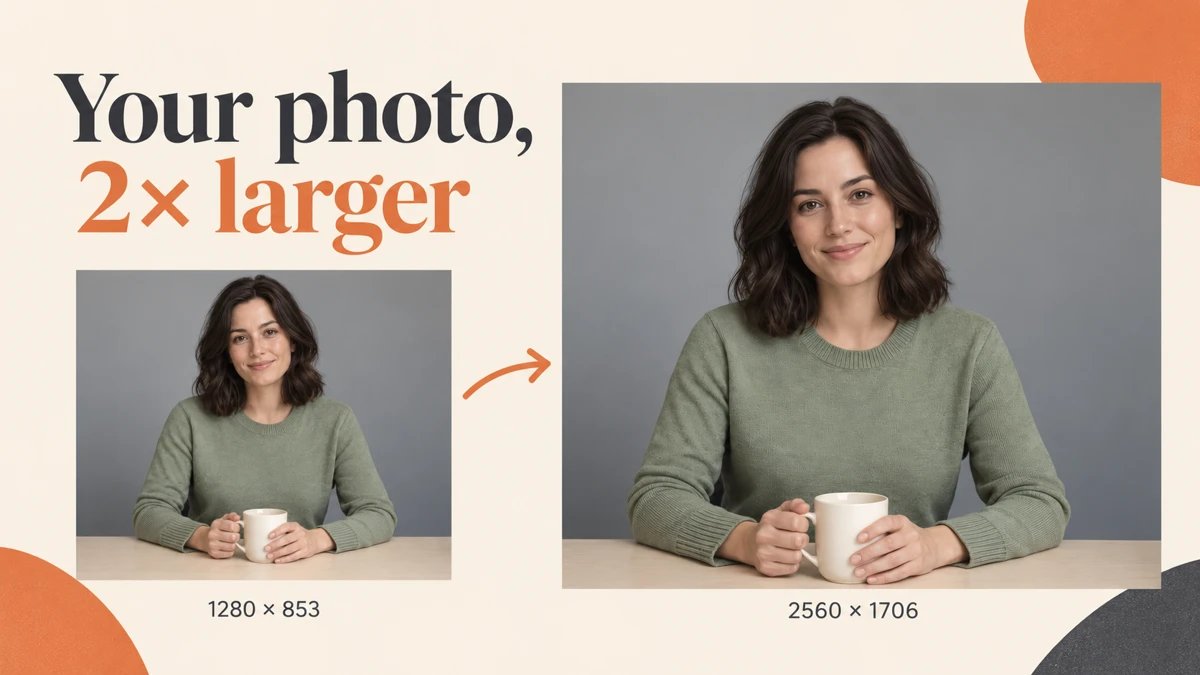
Portrait enlargement with an arrow from 1280 by 853 to 2560 by 1706 and the hook Your photo, 2× larger
Photo tutorial + video settings9 min read

Pika Upscale: enlarge a photo and choose video settings

Follow a real 2× photo upscale, choose a model and tune detail. Explore video models, 1080p, 4K and H.264 with annotated screenshots.

18
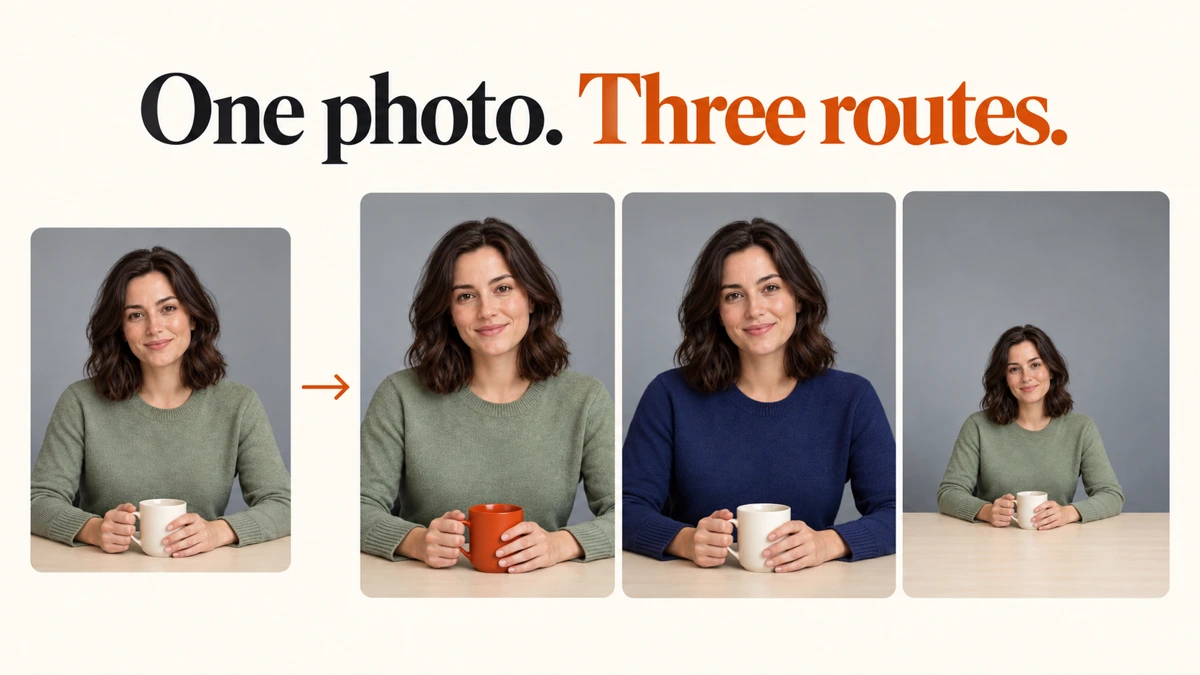
Original portrait leading to changed mug, navy sweater and wider composition under the hook One photo. Three options.
Five photo examples11 min read

Pika Edit Image: Edit, Expand or Upscale the same image

Follow five real examples, use pinned notes, place a photo on a larger canvas and choose upscale settings. Includes screenshots, prompts and recorded costs.

19
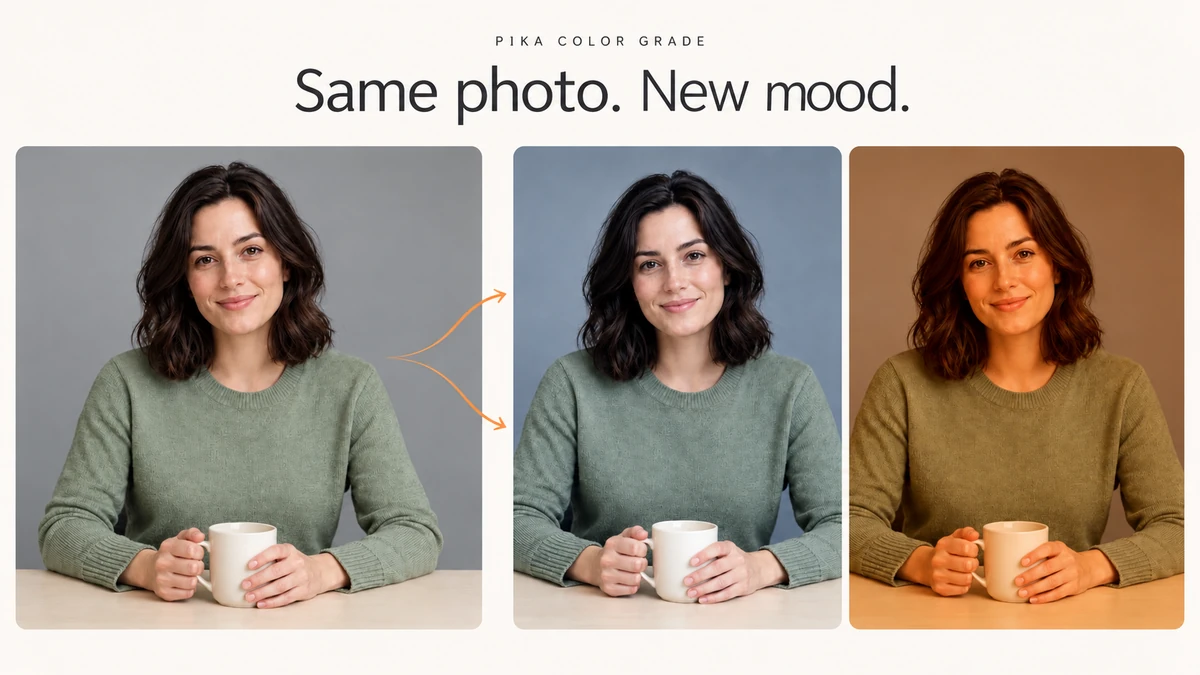
Neutral portrait leading to cool and golden grades with the hook Same photo. New mood.
Reference match and manual grades10 min read

Pika Color Grade: Generate Variations from Single Image

Match a reference photo or adjust colour by hand. Follow five tested colour adjustments with screenshots, settings, notes and recorded credit costs.

20
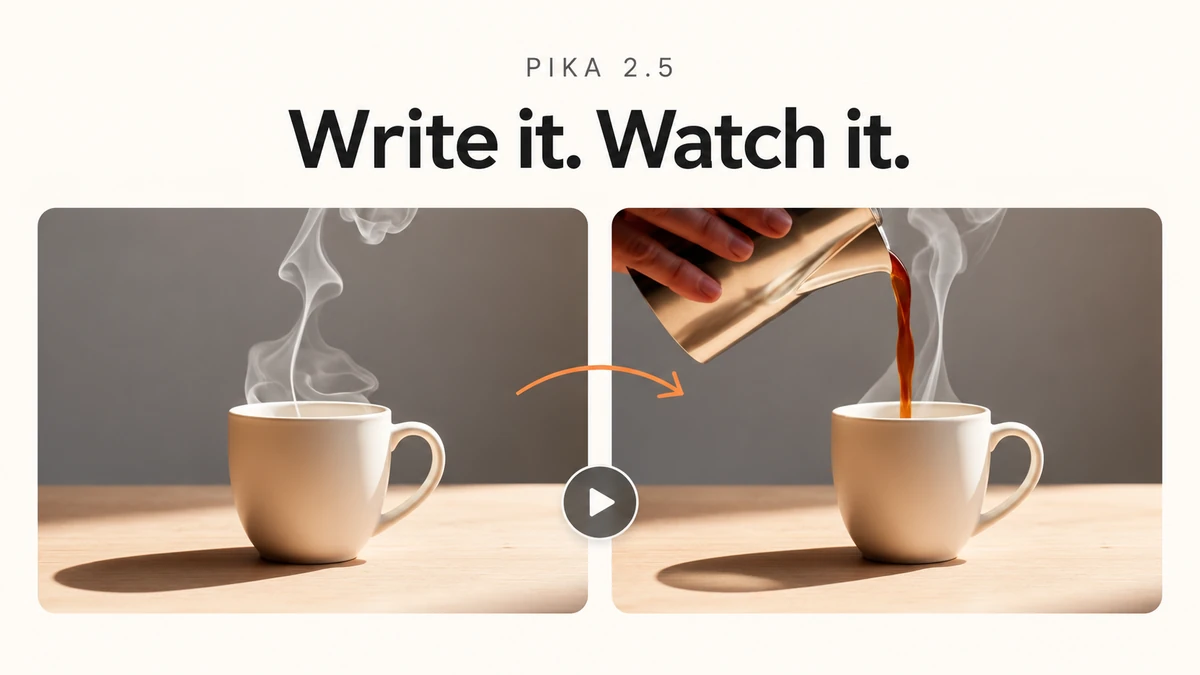
First and later mug video frames with the hook Write it. Watch it.
One new product clip8 min read

Pika 2.5: make a clip from a prompt or photo in 4 Steps

Use the dedicated Pika 2.5 app, choose a workflow and check duration, resolution and cost. Includes one new product video, the exact prompt and annotated steps.

21
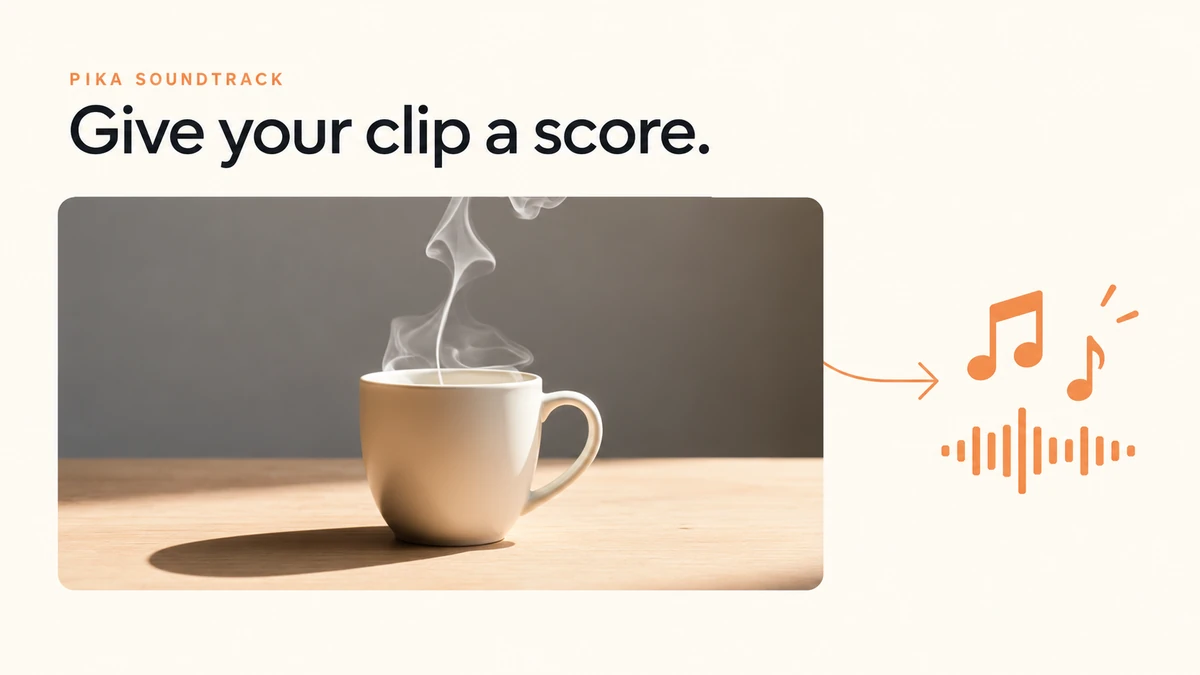
Mug video frame leading to music and waveform symbols with the hook Give your clip a score.
Soundtrack settings walkthrough7 min read

Pika Soundtrack: set up sound for a finished video

Attach a clip, write a sound brief, choose the mixed export and check the credit estimate. A screenshot-led walkthrough of Pika Soundtrack settings.

22
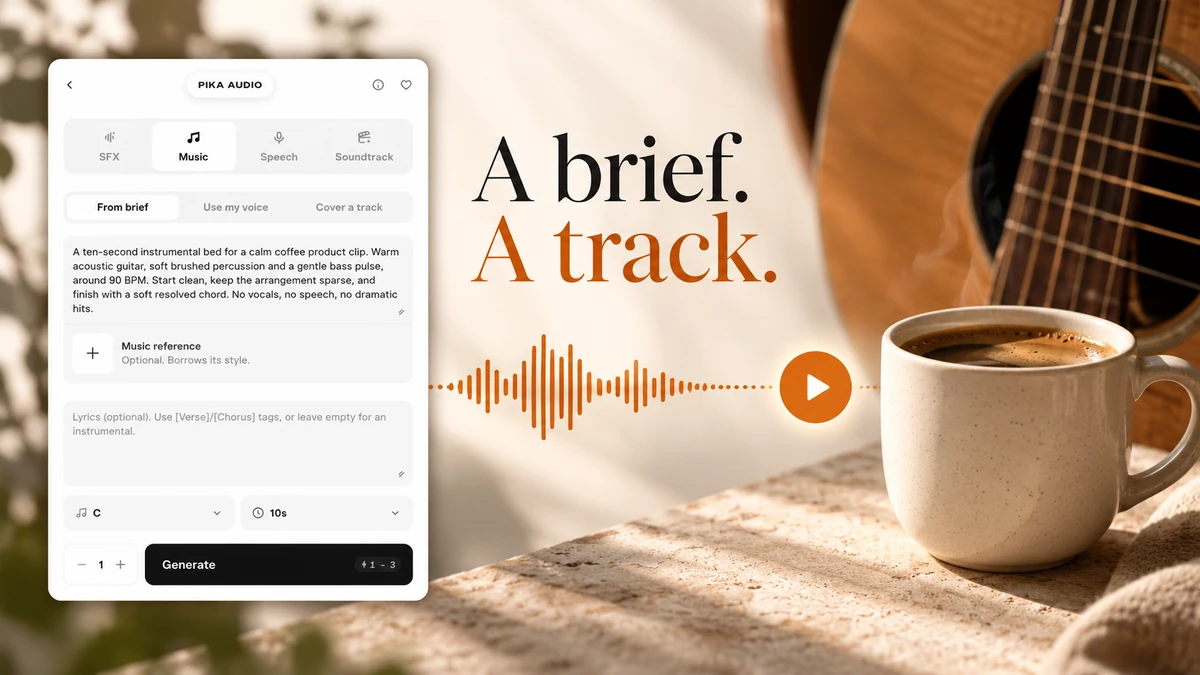
A real music brief connected to a coffee cup and guitar with the hook A brief. A track.
Three options to a music track8 min read

Pika Music: a first track, voice samples and covers

Hear our 10-second Pika Music track, follow its exact brief and cost, then learn the voice-sample and cover options with annotated screenshots.

23
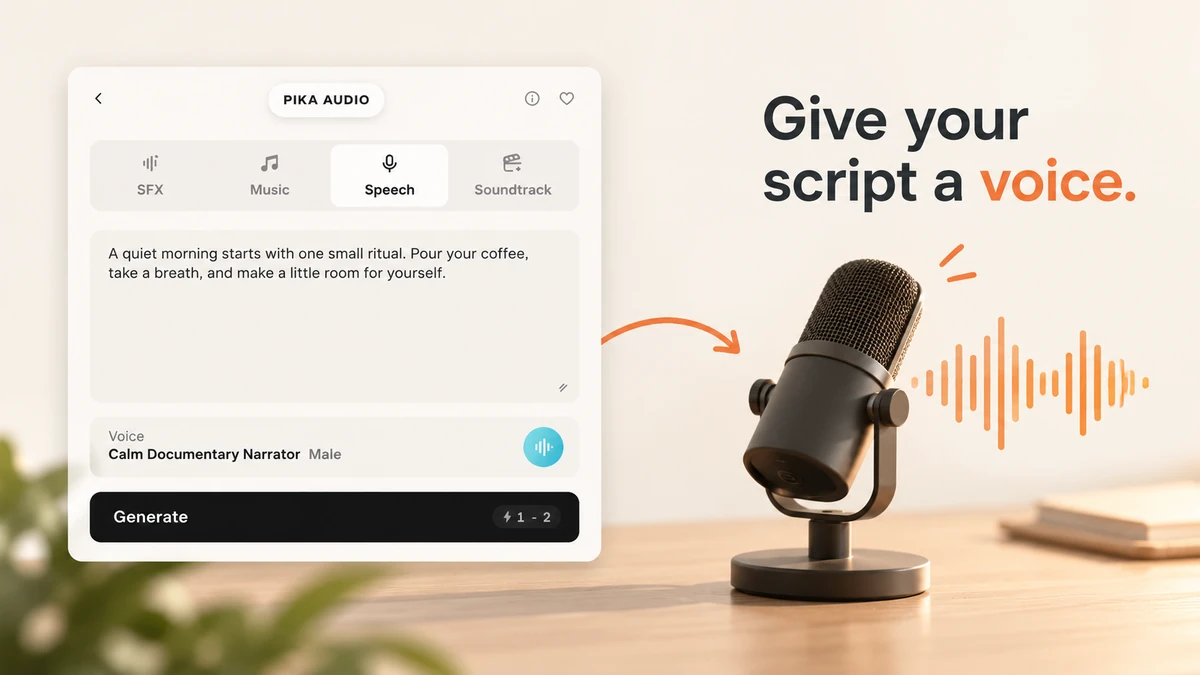
A real Pika Speech script panel leading to a microphone with the hook Give your script a voice.
Script, voice and a real recording6 min read

Pika Speech: turn a short script into a voice recording

Hear our Pika Speech sample, choose a voice preset, write the exact script and check the credit estimate with small-label screenshots.

24
Actual Pika SFX setup beside three sound marks and the hook Click. Whoosh. Build.
Three sound examples tested7 min read

Pika SFX: make a click, a whoosh and a rising effect

Play three real 10-second Pika SFX examples. Follow their categories, characteristics, prompts and costs with annotated screenshots.

25
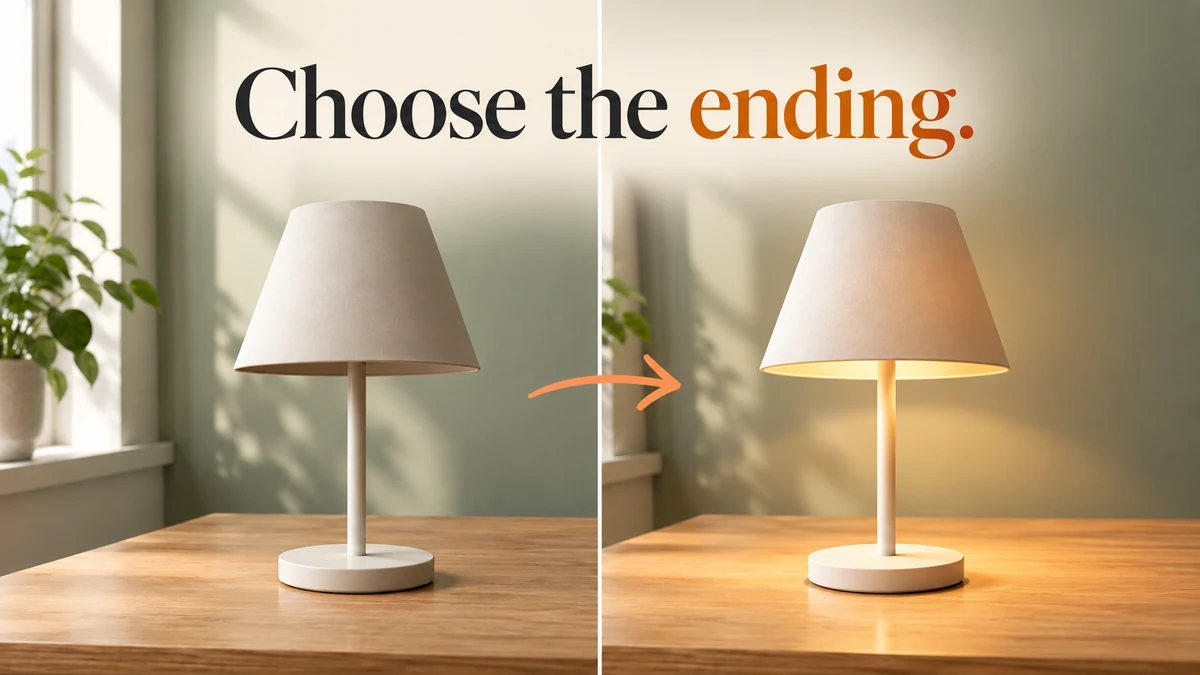
Lamp off beside the real clip's lit ending with an arrow and the hook Choose the ending.
Two images, one planned change7 min read

Pikaframes: choose a start and ending for your clip

Follow our lamp-off to lamp-on Pikaframes test. Download the two source images, order the frames, set timing and watch the real five-second result.

26
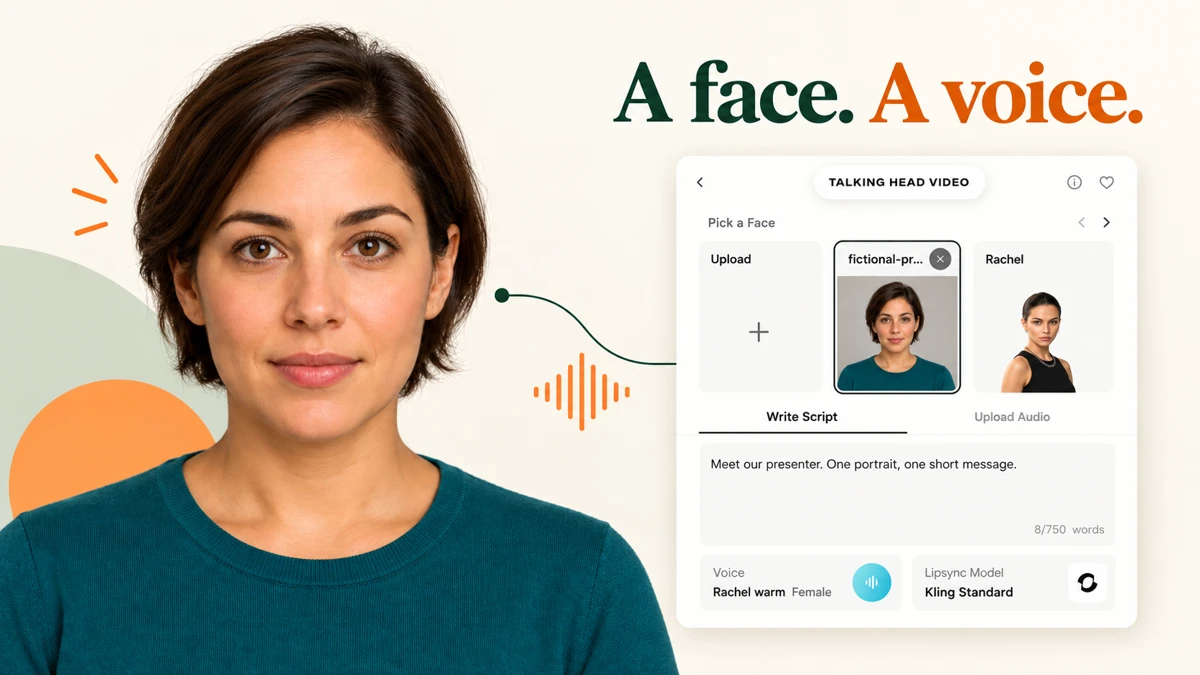
Fictional presenter beside real script controls with the hook A face. A voice.
Portrait, script or recording7 min read

Pika Talking Head Video: choose a face, script and voice

Follow both talking-head options with a fictional presenter, downloadable narration, model choices, scene controls and annotated screenshots.

27
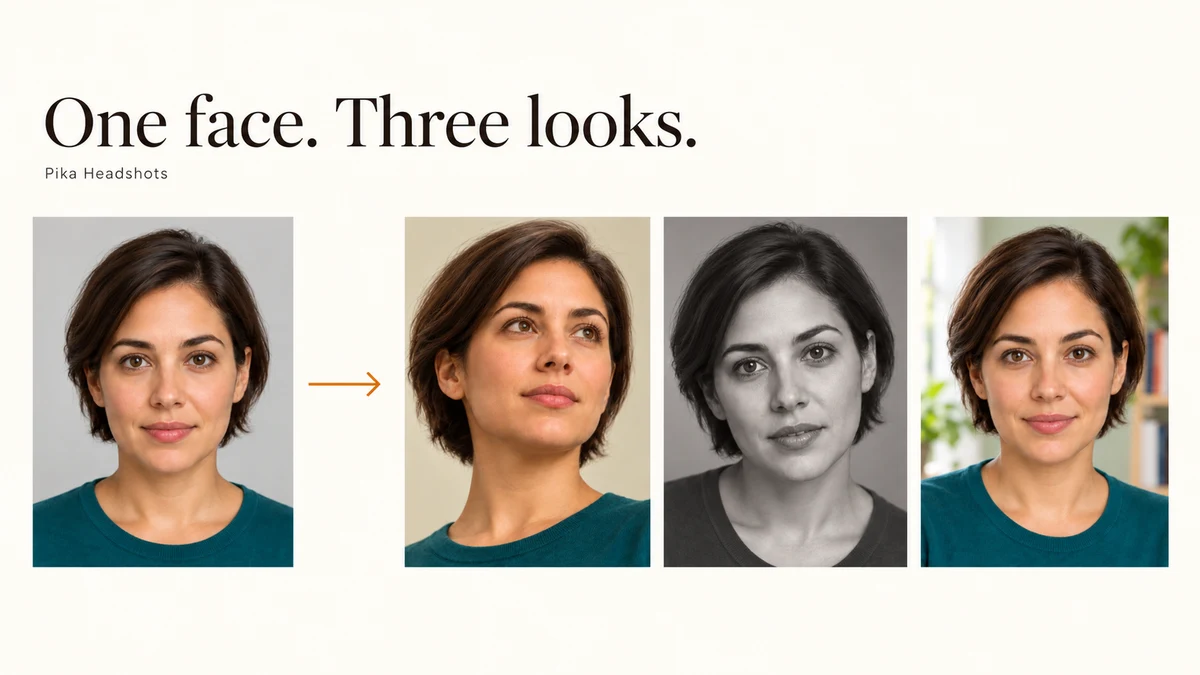
One portrait becomes three headshot styles with the hook One face. Three looks.
Templates or your own setting6 min read

Pika Headshots: one portrait, three styles to compare

Make a headshot with a template or your own setting. Compare three real portraits, follow marked screenshots and check the credit cost before generating.

28
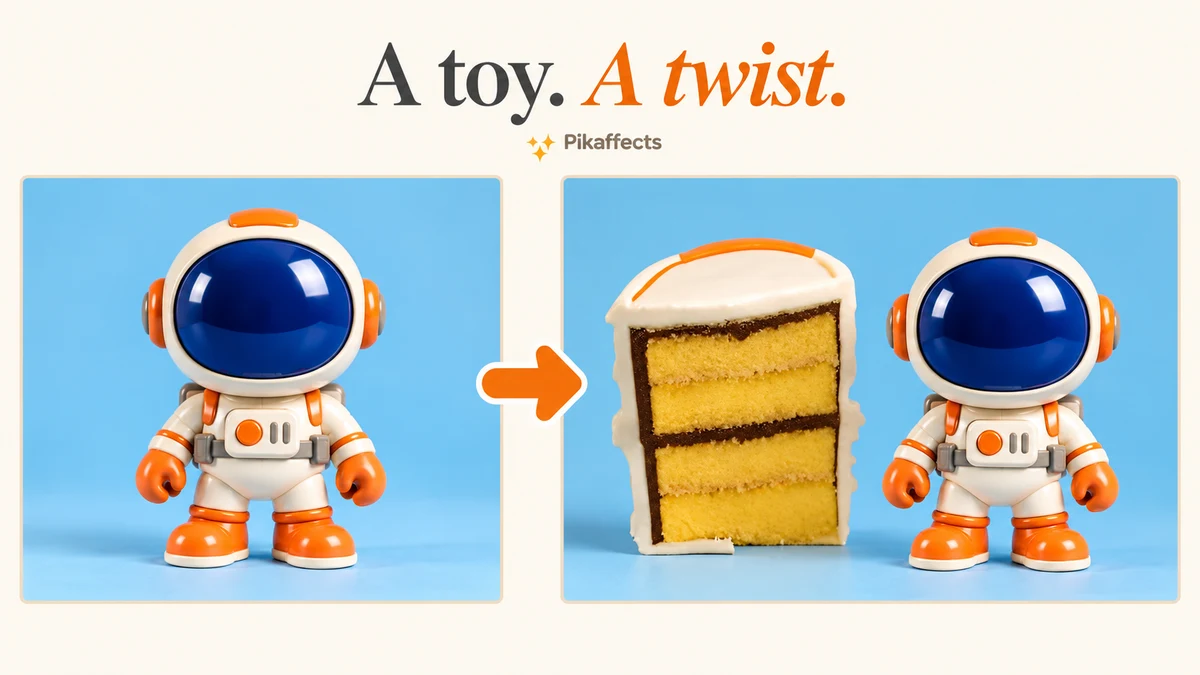
Toy photo beside a real effect frame with a short hook
One photo, three effect choices6 min read

Pikaffects guide: test three effects with one photo

Follow Squish it, Cake-ify it and Melt it with one fictional toy photo, marked settings, three real videos and the credit cost for each take.

29
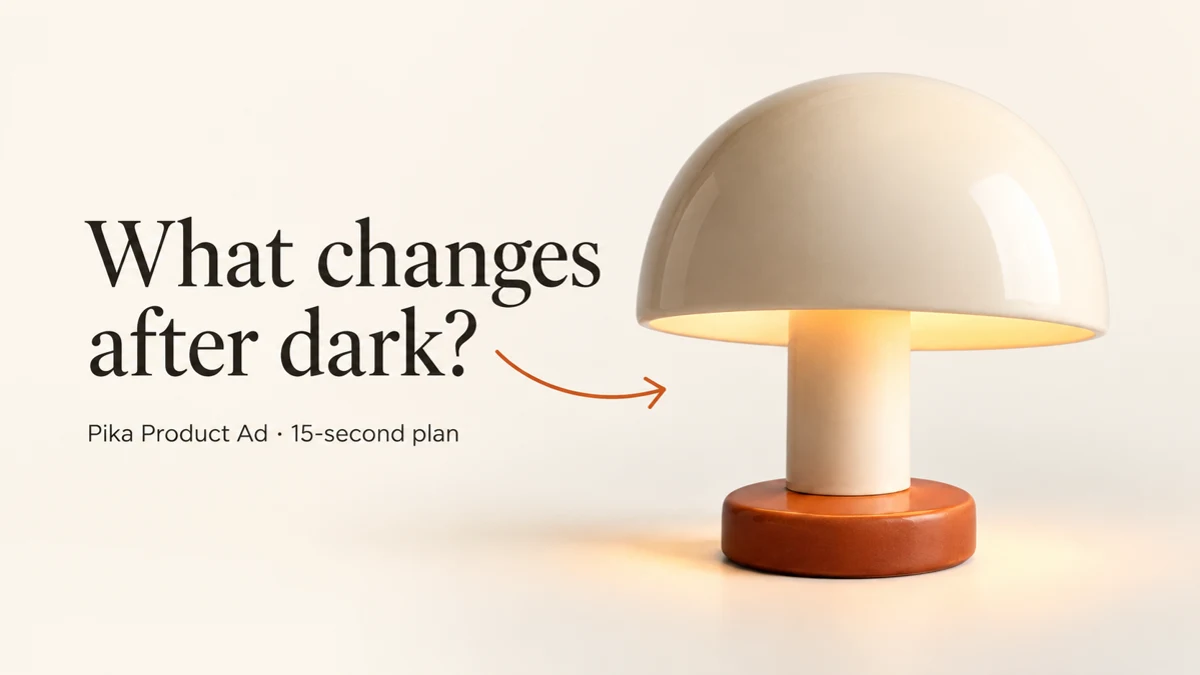
Ivory dome lamp with the hook What changes after dark and a 15-second ad plan label
One product. One clear reveal.7 min read

Pika Product Ad: build a hook, reveal and closing shot

Plan a product ad from one photo. Follow marked screenshots for the brief, characters, audio, concept, look and models, with a real opening-shot sample.

30
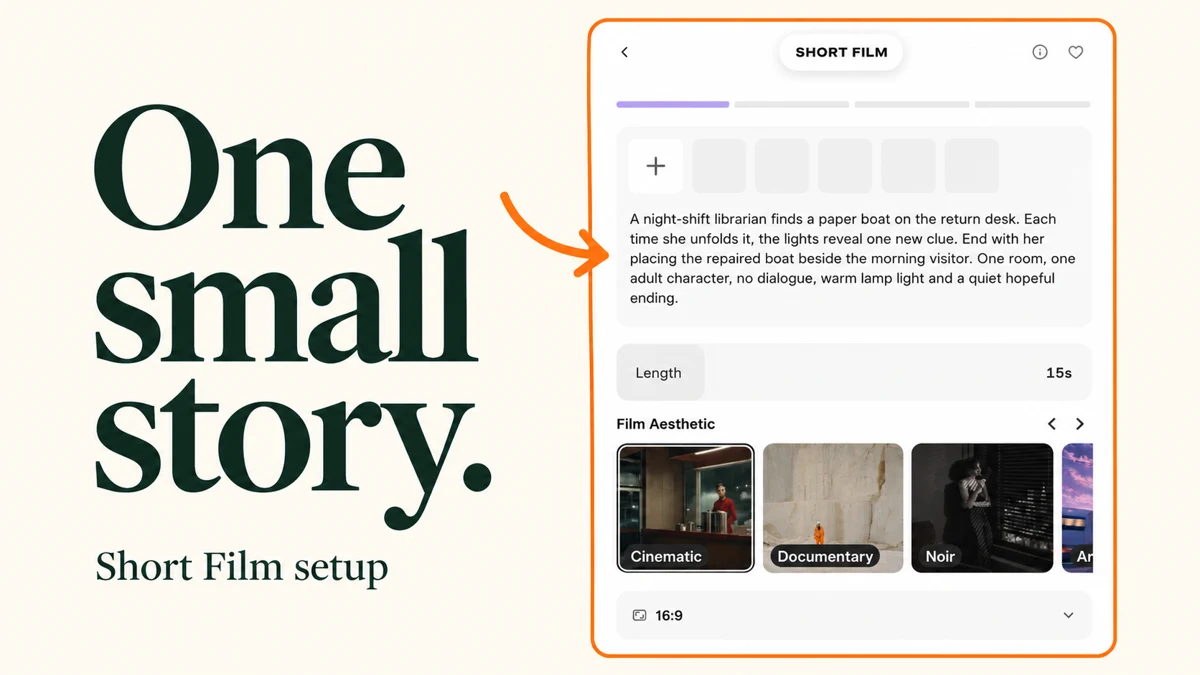
One small story. with a marked Pika short film setup screen
One small story.5 min read

Pika Short Film: plan a small story before you generate

Set up a short film idea, runtime, film aesthetic and frame shape with marked screenshots and three story examples.

31
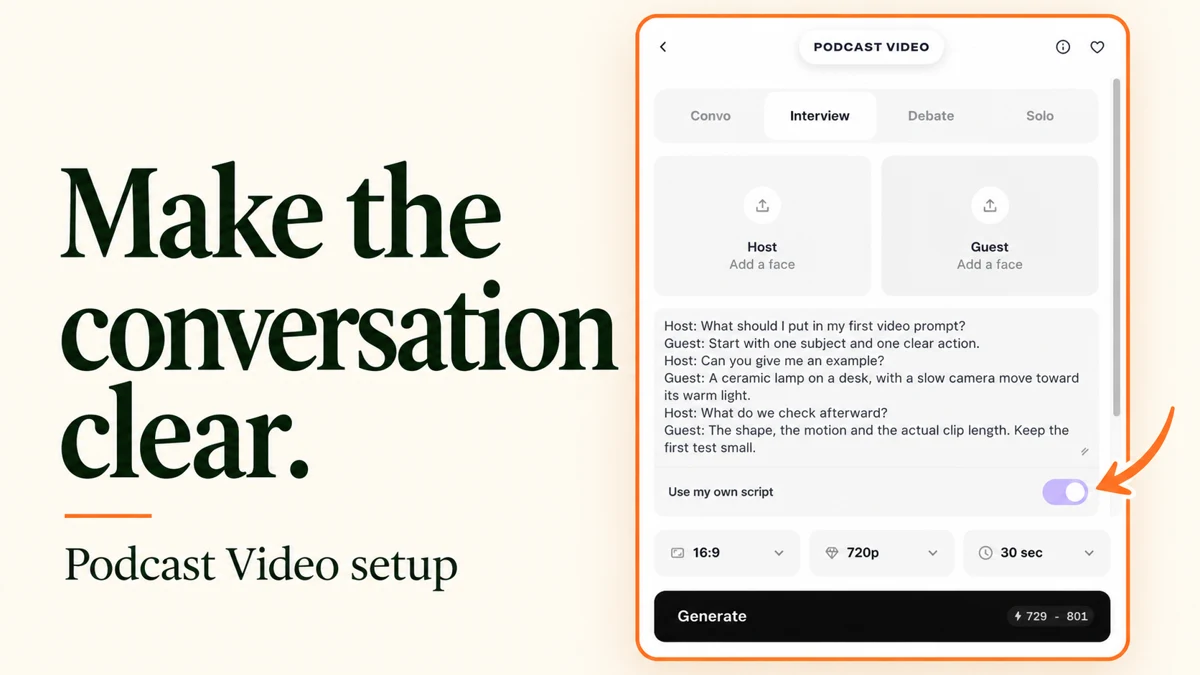
Make the conversation clear. with a marked Pika podcast video setup screen
Make the conversation clear.5 min read

Pika Podcast Video: choose the speakers, script and set

Follow the Podcast Video settings with marked screenshots: four formats, speaker photos, topic or script, length, resolution, set and scene references.

32
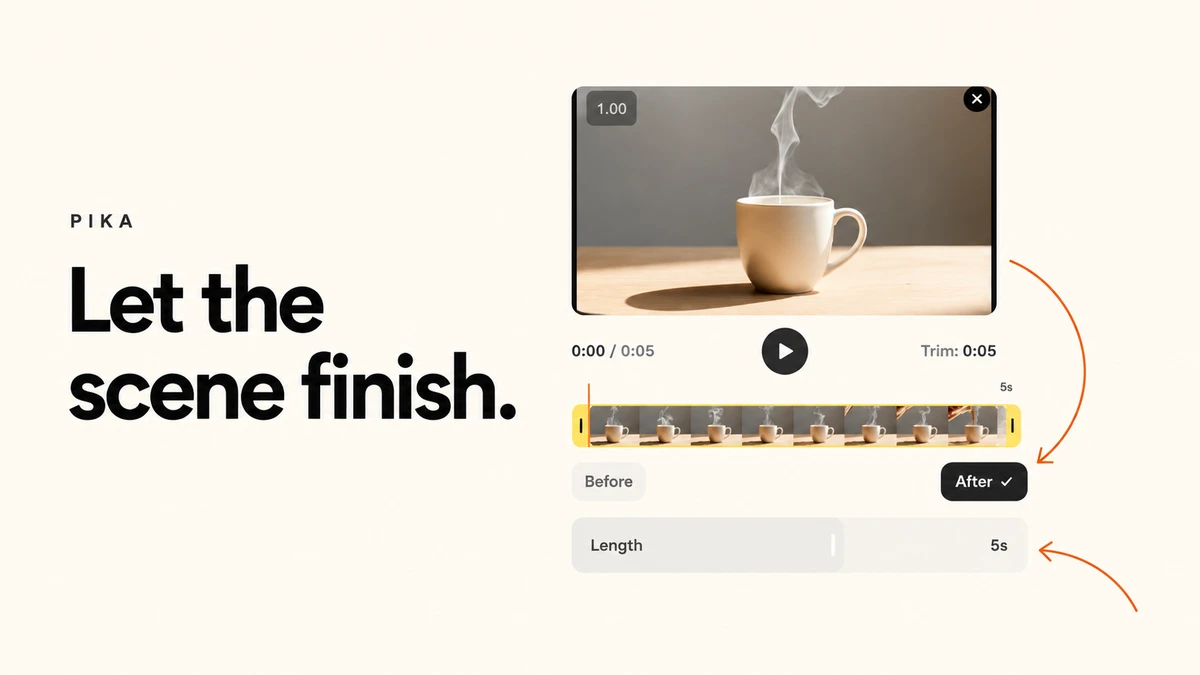
Let the scene finish. with the Pika setup screen and our source mug clip
Let the scene finish.5 min read

Pika Extend Video: Make short Clip to longer in 5 Steps

Follow the source clip, trim handles, After setting, length slider and continuation prompt with marked screenshots.

33
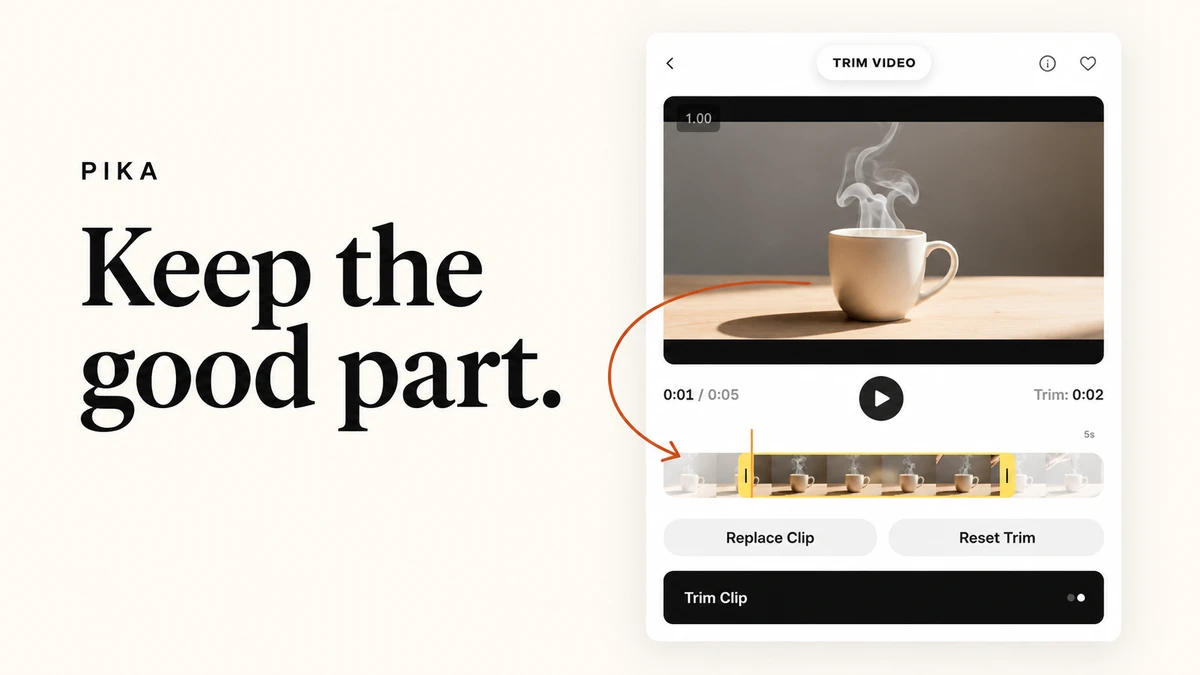
Keep the good part. with the Pika setup screen and our source mug clip
Keep the good part.5 min read

Pika Trim Video: keep the part of your clip that matters

Use the two timeline handles, preview, Reset Trim and Replace Clip controls with a real five-second source.

34
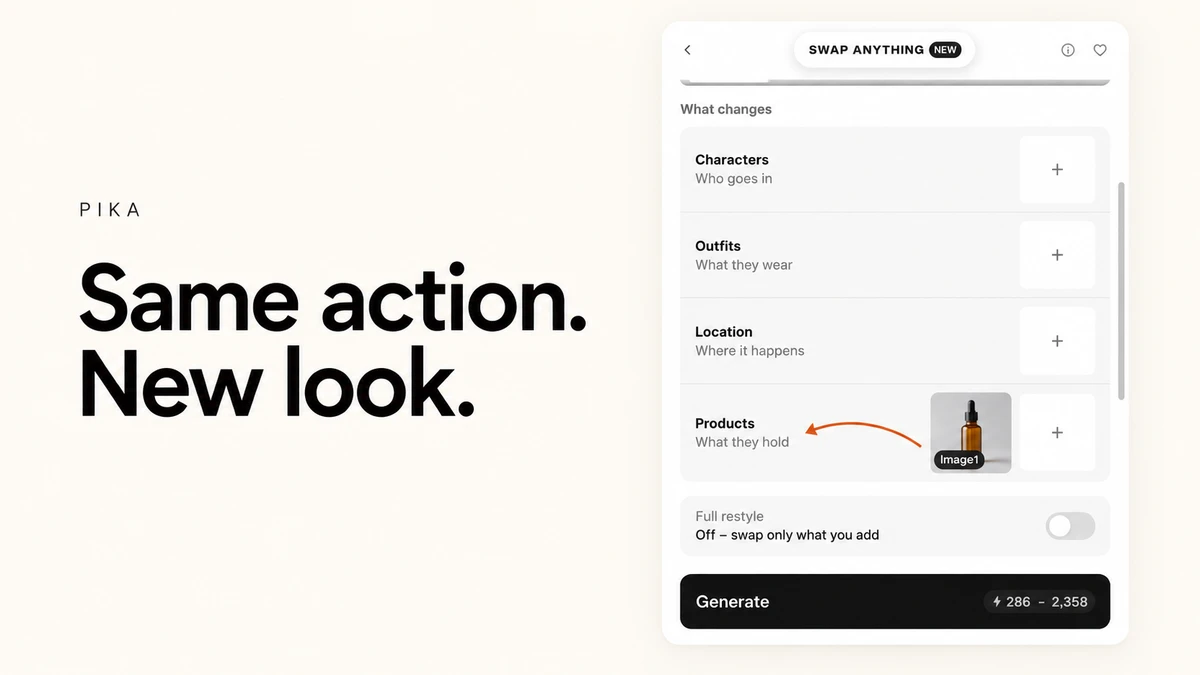
Same action. New look. with the Pika reference groups and bottle thumbnail
Same action. New look.5 min read

Pika Swap Anything: choose what to changes in your clip

Explore character, outfit, location and product references, Full restyle, the auto-written brief, resolution and original audio.

35
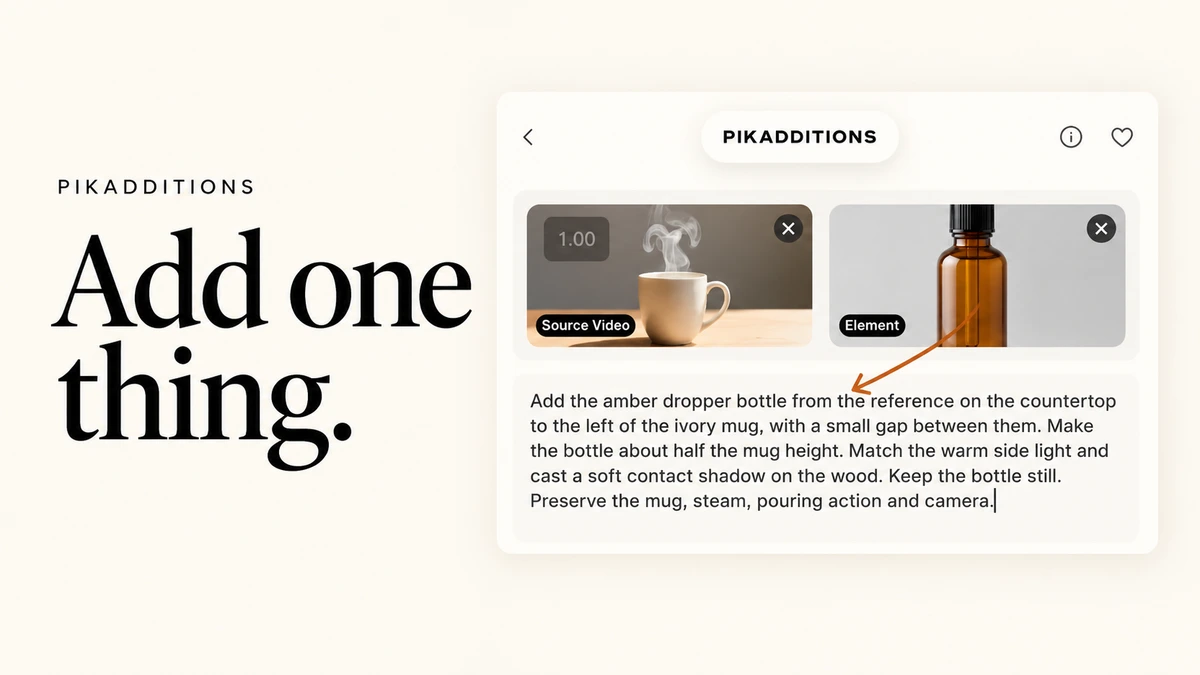
Add one thing with the real Pikadditions mug source and bottle reference setup
Add one thing.5 min read

Pikadditions: add an object to an existing video in 6 steps

Follow Pikadditions with marked screenshots: source video, optional element image, placement prompt, 720p or 1080p, five or ten seconds and credit quotes.

36