
Skip to content

MAKE AN INFORMED CHOICE

Choose for
your kind of video.

Compare the inputs, control and cost that matter to your project. No universal winners. No claims without evidence.
CHOOSE YOUR NEXT WORKFLOW9 min read

Pika vs Runway: Find the Right Tools for Your Next Video

Compare Pika and Runway image-to-video controls, keyframes, editing, audio, pricing and exports, with real screenshots and a practical setup guide.

01
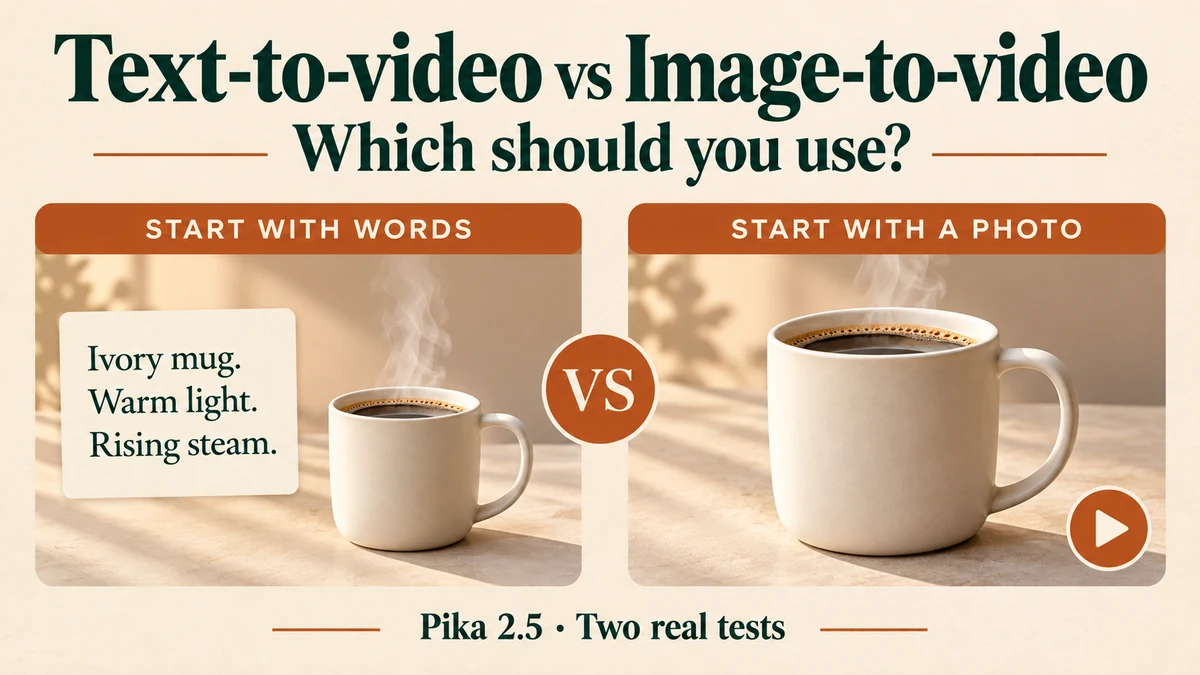
Text-to-video vs image-to-video: start with words or a photo, with our coffee-mug example
TWO INPUTS, ONE BRIEF8 min read

Text-to-video or image-to-video: which one should you use?

We tested both with Pika 2.5, the same coffee-mug idea and 1080p settings. See the results, copy the prompts and choose your starting point.

02
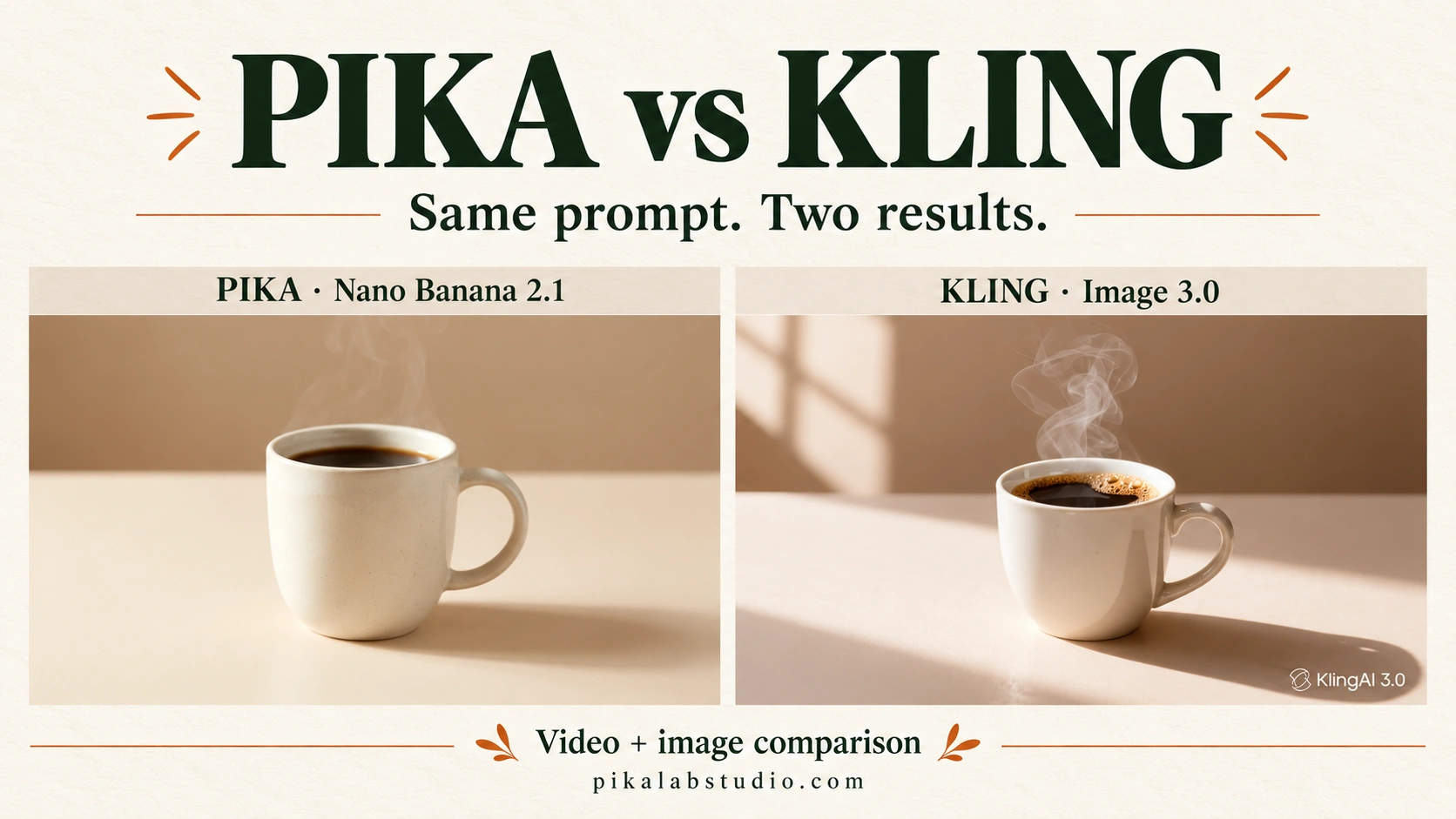
Pika versus Kling comparison cover featuring the two generated mug images
ONE PHOTO, TWO VIDEO RESULTS10 min read

Pika vs Kling: See the Same Photo Turn Into Two Videos

Watch matched Pika and Kling video outputs, compare generated product images, and explore keyframes, motion control, editing and credit costs with real screenshots.

03
Read the evidence, not just the verdict.

Vendor comparison pages currently provide a decision checklist. Matched sample videos and measured results will be added after first-hand testing.

About our guides →