

A new Pika feature is useful when it solves a job you already have. This page connects dated announcements to practical tasks: making a product photo, adding sound to a clip or creating media inside ChatGPT.
I separate release announcements from our own tests below. A model appearing in Pika’s menu does not establish its launch date, and a newer option is not automatically the best choice for your project.
Start with your project
| What you want to do | What to explore | Next step |
|---|---|---|
| Create media while planning in ChatGPT | Pika’s ChatGPT plugin | Install and use the plugin |
| Find the right app for an image, clip or audio task | The redesigned Pika workspace | Explore Pika Labs |
| Build a matching product photo set | Product Shot and a fixed brief | Use our e-commerce workflow |
| Combine a subject reference with a background | Image Studio | See our reference and lighting tests |
| Add sound to an existing clip | Pika Soundtrack | Follow the settings guide |
| Connect media generation to your own application | Pika API Club | Understand the dashboard and setup |
16 October 2026: Pika comes to ChatGPT
What changed: Pika announced a ChatGPT plugin that brings its creative apps into a conversation. The announcement describes more than 40 apps and over 100 models, with access to your Pika library and editing panels. Those are platform-wide counts, not a claim that every model belongs to Pika.
Who it helps: creators who want to develop an idea, write a brief and request media in the same conversation.
Try this sequence:
- Install the Pika plugin and connect your Pika account.
- Mention @Pika and describe one specific image or clip.
- Ask for the model, settings and estimated credit cost before generation.
- Review the result before requesting another version.
@Pika, help me make a square product image from my uploaded photo. Keep the product shape and colour. Use a warm-white background and soft light from the upper left. Before generating, tell me the proposed model, settings and estimated credit cost.
Pika also announced 250 bonus credits after a first plugin generation. Installing alone is not the stated trigger. Check the offer and your account balance before treating the bonus as available spending money. Read Pika’s announcement.
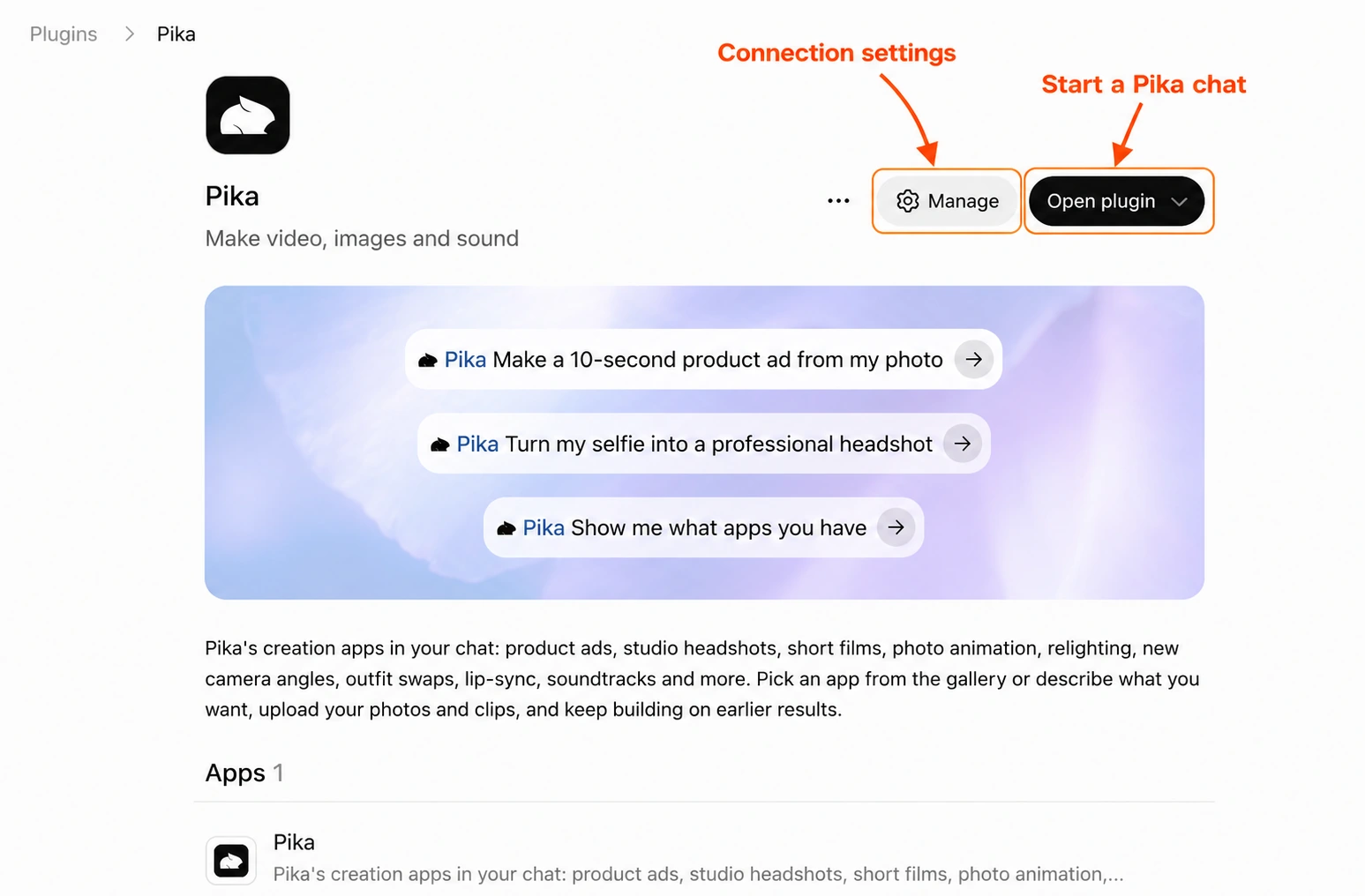
See the ChatGPT setup and command examples.
17 September 2026: one workspace for video, images and sound
What changed: Pika introduced a redesigned workspace that groups media creation around apps and brings models from multiple providers into the same platform. Read the platform announcement.
What to try: choose the task first. Product Shot gives you a product-focused starting point; Image Studio suits reference-led image work; an audio app starts with sound settings. Then choose an available model and inspect its quote. If you used the old site, find your earlier videos in the OG Pika project.
A simple way to approach the workspace:
- Have a product photo? Start with Product Shot and write a reusable styling brief.
- Have a picture that needs movement? Follow the image-to-video guide.
- Have a finished silent clip? Explore Soundtrack.
- Need help choosing? Use our model and feature guide before spending credits.
Names in the model picker identify different choices, not interchangeable settings. Duration, reference support, resolution and cost can vary between them.
Tour the workspace · Choose a model or feature.
18 August 2026: four audio tools for different jobs
Pika’s audio releases cover different starting materials. Pick the one that matches the job instead of asking one tool to handle every kind of sound.
Soundtrack: add sound around an existing video
What changed: Pika Soundtrack is designed to create audio for an uploaded clip, guided by the video and optional instructions. It can combine ambience, effects, music and voice. Official Soundtrack announcement.
Try it for: a silent product clip or a short scene that needs environmental sound.
Add quiet room ambience and a soft tap as the bottle touches the table. No music or speech. Keep the sound restrained.
Listen for event timing, distracting additions and the balance between foreground sounds and the background. Follow the Soundtrack guide.
Music: start with a musical brief
What changed: Pika Music supports musical direction and workflows involving lyrics, voice references and music references. Official Music announcement.
Try it for: a short music bed with a clear mood, pace and instrument choice.
A calm instrumental bed for a skincare product clip: soft electric piano, light percussion and a gentle ending. No vocals.
Use reference recordings only when you have permission. Listen to the opening and ending before extending a track or making more versions. Explore the Music features.
SFX: make a specific sound event
What changed: Pika SFX creates sound effects from written descriptions. Describe the action, material, environment and sequence. Official SFX announcement.
Try it for: one clear action that is missing from your edit.
A single glass bottle placed gently on a wooden desk in a quiet room, followed by a short natural decay. No speech or music.
Check that it produces one event rather than an unwanted repeated pattern. Hear our SFX examples.
Speech: turn a script into spoken audio
What changed: Pika Speech offers text-to-speech with voice choices and reference-voice support. Official Speech announcement.
Try it for: a short tutorial introduction or product narration.
This is the original photo. Next, we keep the product unchanged and replace the background.
Start with two sentences. Check pronunciation and pacing before generating the full script. Only use a person’s voice reference with their permission. Follow the Speech guide.
5 August 2026: Pika API Club for builders
What changed: Pika announced API Club as a way to access media and language models through a shared API setup, with instructions for working with coding agents. Read the API Club announcement.
Who it helps: developers building media creation into an application or a repeatable production process. For an occasional image or clip, the browser apps may be a simpler starting point.
Before connecting a project:
- Decide what one request should create.
- Read the account’s current membership and usage charges.
- Keep API keys private; never place them in a public webpage.
- Set a spending limit and test one request before adding batch work.
See the API Club dashboard guide.
Models we have tested: practical findings, not launch claims
These are results from our guides. They help you decide what to try, but they do not establish when a model was released or guarantee the same price for a different request.
GPT Image 2.5 in Product Shot
We used the same square catalogue brief for a bottle, sneaker and headphones, then repeated the bottle. Four images cost 12 credits in total. The set shares a warm-white setting, but the crop and product detail still need review.

Useful next step: repeat one approved brief across a small sample before planning a whole catalogue. Get the brief, source photos and four results.
Multiple references in Image Studio
Our Image Studio guide examines subject and background references, including conflicting lighting. Assign each reference a specific role and state which lighting direction the final image should follow.
Useful next step: compare a request that leaves lighting open with one that specifies a single light source. Keep the other instructions fixed so the comparison tells you something. See the inputs, prompts and results.
Image and video models on one prompt
We gave four image models and seven video models a café brief inside Pika and recorded what each one charged. GPT Image 2.6 and Seedream 5.5 cost 3 credits per image. Kling 4.0 and Seedance 2.5 followed the video brief most closely, at 79 and 134 credits.
Useful next step: draft on a cheaper model, then rerun only your best idea on a stronger one. Compare the four images or watch the seven clips.
Compare a new option without wasting retries
- Choose a small task. One product, one short scene or one sound event is easier to judge.
- Keep the brief fixed. Change one model or setting at a time.
- Read the quote. Check duration, resolution, generation count and attached media before submitting.
- Record the actual charge. Include rejected results in the cost of getting one usable result.
- Judge against the job. Product accuracy, motion, timing and editability matter more than novelty.
Use the credit and retry calculator to plan a budget. A quote range is not a promise that every generation costs the lowest number.
Frequently asked questions
What is the newest Pika announcement on this page?
The newest dated release included here is Pika’s 16 October 2026 ChatGPT integration. The entries below cover the workspace redesign, audio tools and API Club. This is an editorial roundup, not a live release feed.
Are all models inside Pika made by Pika?
No. Pika’s workspace includes models from multiple providers. Read the selected model name and settings rather than assuming every app uses the same Pika model.
Does installing the ChatGPT plugin give me 250 credits?
Pika’s announcement ties the bonus to a first plugin generation, not installation alone. Confirm the offer and the balance in your account.
Should I switch models every time a new one appears?
Start with a small comparison using the same brief. Switch when the result better meets your task or reduces the total cost of producing an acceptable result.
How should I read the dates on this page?
Release headings use the dates of Pika’s announcements. Our testing section describes separate hands-on work. A feature can appear in a guide without being a newly announced release.